

What good is an EA-friendly prop firm if the platform assigned to your account can't run your bot? Running a funded trading EA without breaking the rules means checking permission, platform compatibility, and risk controls together, not choosing a firm by profit split alone.
A policy mismatch can invalidate an otherwise workable strategy. An EA might be permitted on a CFD challenge but unavailable on the firm's U.S. platform, or allowed on futures while prohibited on its CFD product. The options below separate those cases rather than treating every automation policy as interchangeable.
These aren't ten unconditional approvals. Some are suitable candidates, some require written confirmation, and one is a clear exclusion for U.S. CFD automation. Trading involves risk of loss, and this content is educational only, not financial advice. Keep tax planning separate from platform selection, too: guidance on short-term gains and ordinary income rates provides context, but don't assume a funded-program reward receives the same treatment as gains in a personal brokerage account.
1. MyFundedCapital
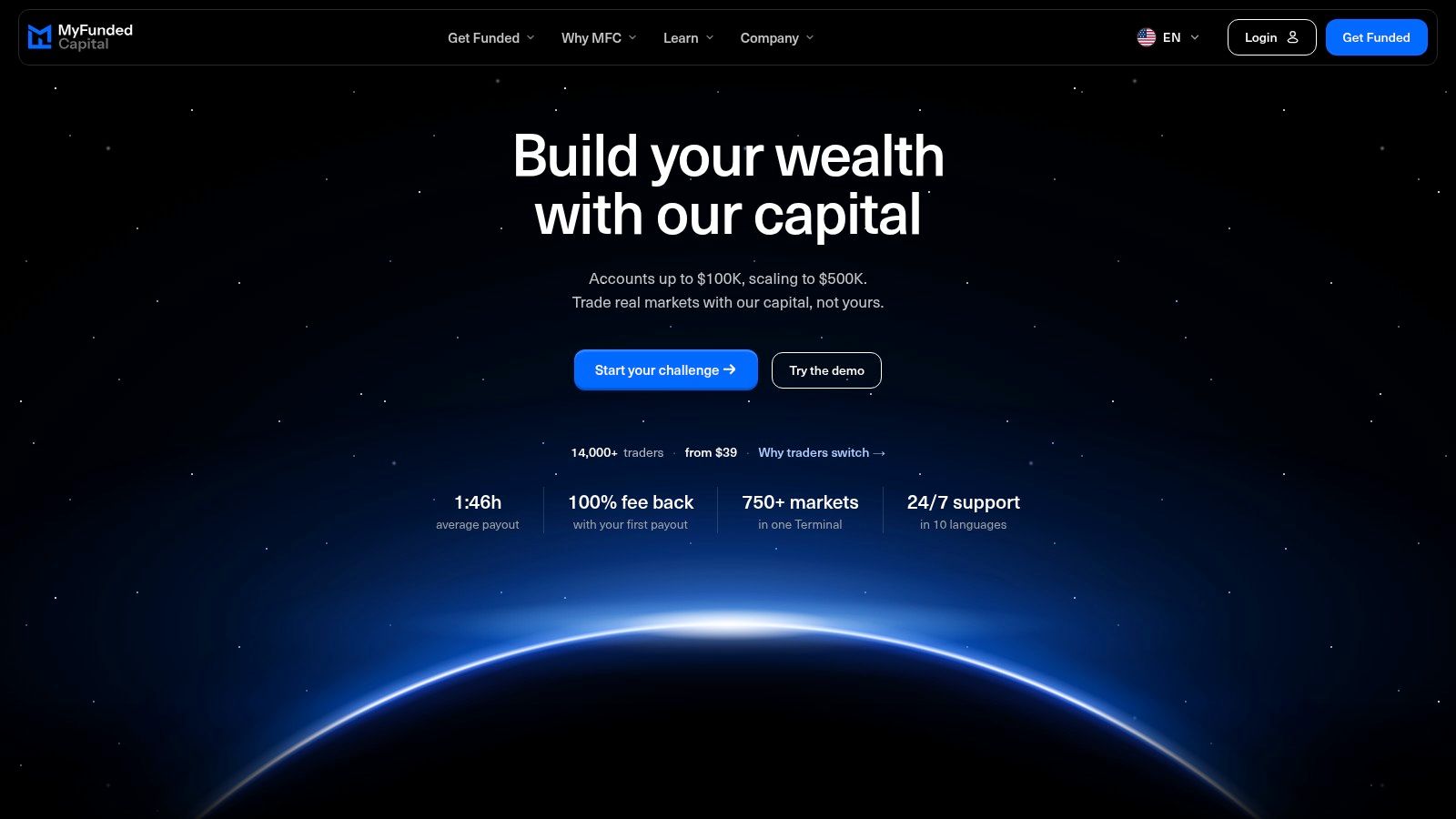
Our EA permission requires agreement before deployment. Contact support before using an Expert Advisor or trading bot, and describe how it enters, exits, sizes positions, and handles news. Permission to automate doesn't override our restrictions on scalping, high-frequency trading, or hedging.
Our accounts are fully simulated, using real market quotes from liquidity providers. All programs run in the MyFundedCapital Terminal, so don't assume an existing MetaTrader executable can be installed unchanged.
Start with approval and compatibility
Our forex Expert Advisor guide is a useful starting point for understanding the automation workflow. The practical requirement is to establish how your particular bot can operate within the Terminal and comply with the applicable rulebook before paying.
We offer Instant Funded without an evaluation from $95, a 1-Step Challenge from $189, and a 2-Step Challenge from $39. The Terminal provides access to 750+ markets (plus 1,500+ US stocks in the Stocks program), with dedicated stock and prediction-market programs also available.
- Advantages Different evaluation routes, public program rulebooks, a free demo terminal, and multilingual support help traders assess suitability before committing.
- Restrictions Copy trading is permitted between your own MyFundedCapital accounts and from other traders or signal services, as long as every trade follows the trading rules. Account sharing and third-party account management aren’t allowed.
- Operational trade-off A strategy built around prohibited execution behavior isn't suitable just because its entries are automated.
Our community includes 3,900+ Discord members, but community size and customer testimonials aren't evidence that a particular EA will succeed. Use the demo environment to test order handling, restart behavior, and rule compliance rather than relying on payout examples or a vendor's equity curve.
2. FTMO US
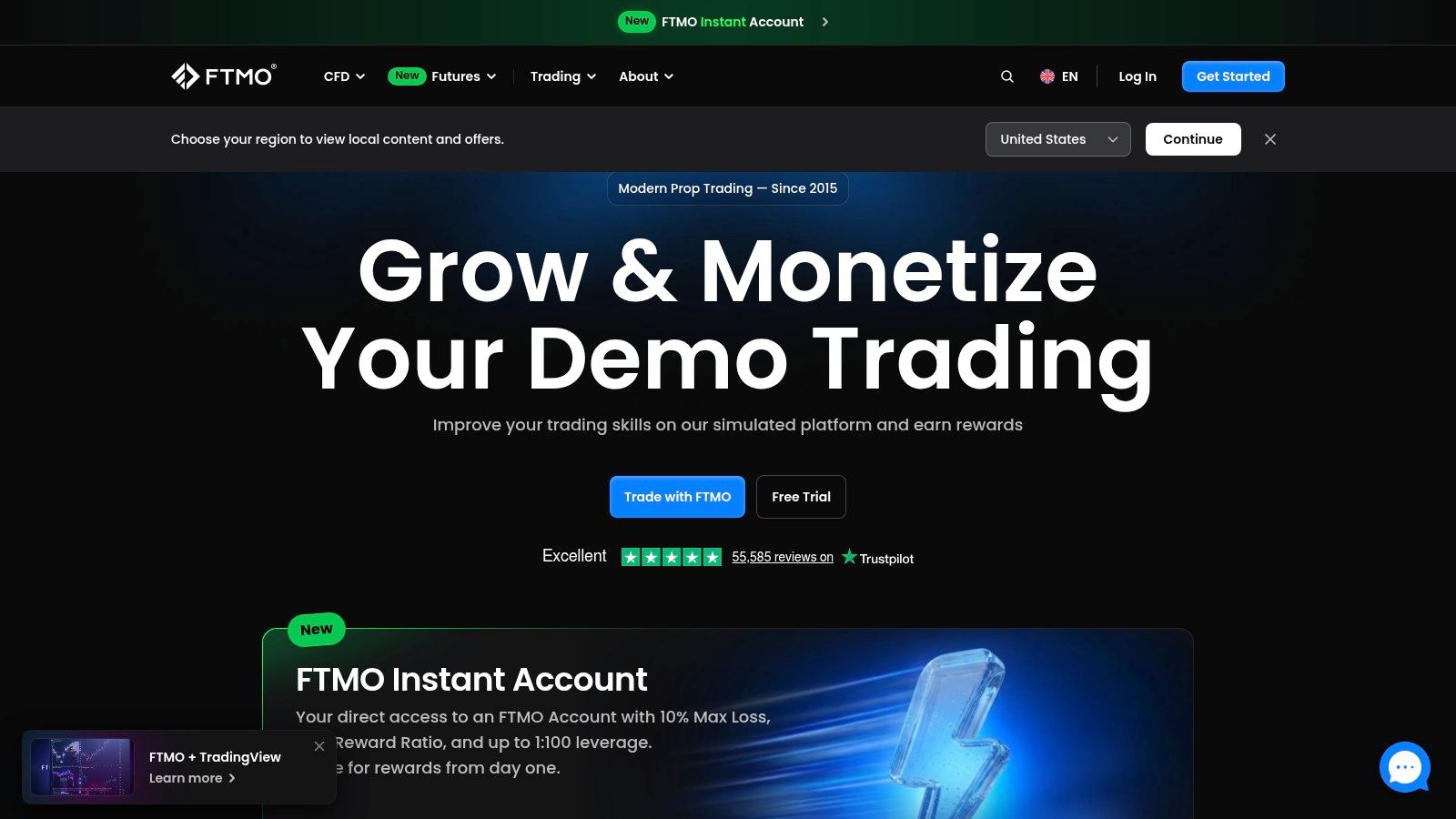
For a U.S. resident, FTMO US needs its own compatibility check. Don't take an automation policy written for FTMO's international CFD offering and assume it applies to the U.S. account you're purchasing.
FTMO offers U.S.-specific simulated evaluations and rewards accounts, with different challenge routes and account sizes. Its established brand and published evaluation terms make it worth considering, but neither tells you whether your exact EA can execute on the assigned platform.
Verify the account, not just the brand
Send support a concise technical description: the EA's execution platform, instruments, holding period, external dependencies, and whether it copies orders. Request confirmation covering both evaluation and rewards stages.
- Advantages Published targets and drawdown terms make it possible to model the evaluation before enrolling.
- Limitations Eligibility can depend on jurisdiction, and U.S. platform arrangements shouldn't be inferred from international product pages.
- Best fit Traders willing to validate a specific account configuration rather than choose FTMO solely for its reputation.
Our FTMO funded accounts overview can help frame the comparison, but the current U.S. agreement should govern your decision.
I'd keep FTMO US on the shortlist only after receiving a clear answer about the actual execution route. A bot that needs a platform unavailable to your account isn't a workable setup, regardless of how attractive the evaluation looks.
3. Atlas Funded
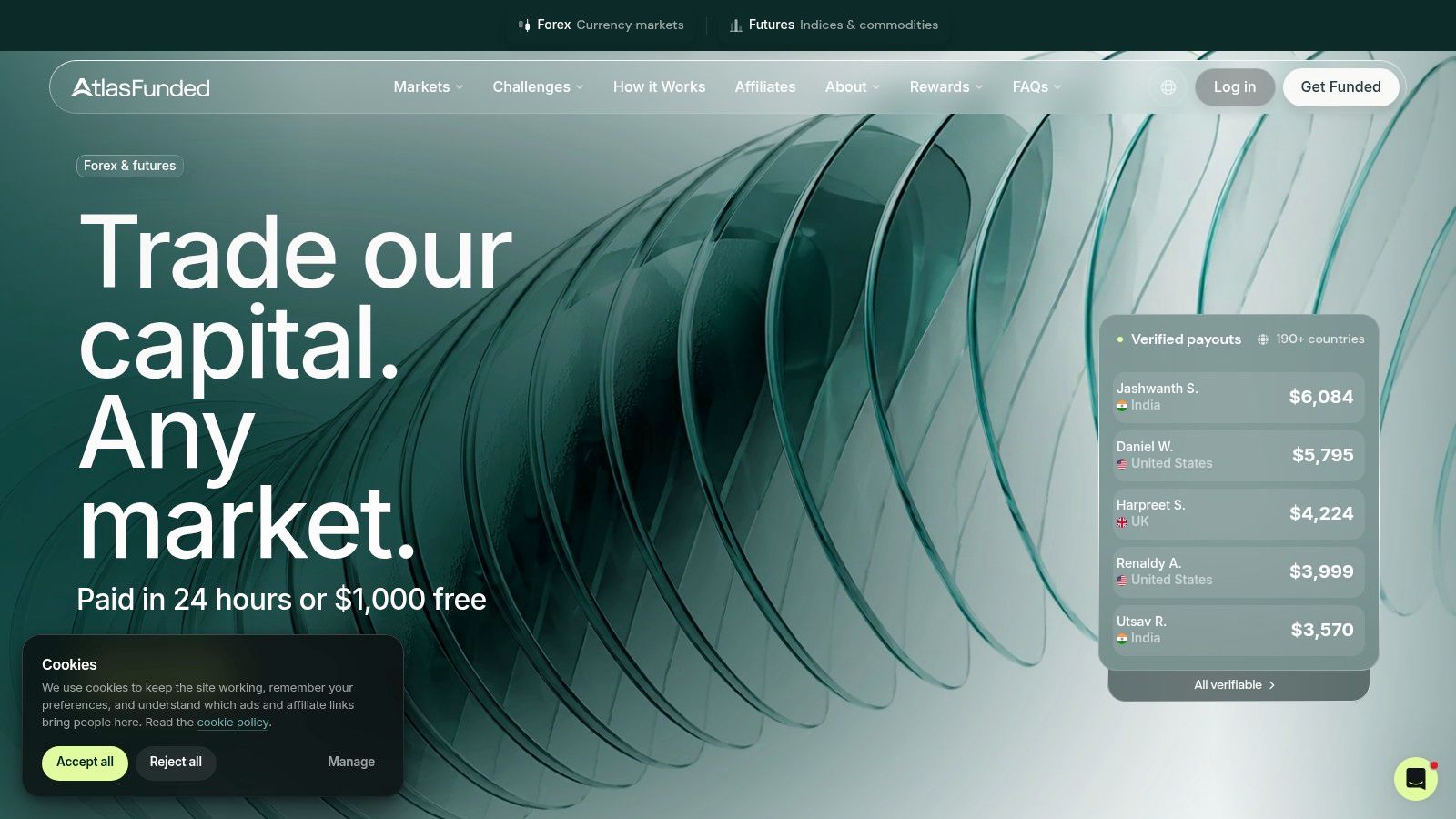
Atlas Funded's CFD policy is comparatively straightforward: EAs are allowed without prior approval, and overnight and weekend holding are permitted. That makes Atlas Funded a candidate for systematic CFD strategies that need time to develop rather than forced intraday exits.
The important qualifier is CFD accounts. Don't carry that permission across to a futures product without checking its separate approval requirements.
An EA permission answers whether you may automate. It doesn't approve every behavior your EA can produce.
Atlas prohibits high-frequency trading and certain hedging or copying practices. Review the bot's actual order history against those restrictions, especially if a vendor describes it vaguely as a fast execution system.
Where it fits
- Advantages Explicit CFD automation permission and flexible holding periods reduce uncertainty for conventional systematic strategies.
- Limitations U.S. eligibility, platform access, and the current evaluation conditions still need confirmation.
- Deployment check Verify whether pending orders, recovery entries, and multiple EA instances could create restricted behavior.
For a swing bot, test the weekend transition rather than only weekday entries. The EA needs to handle a changed opening price, wider spreads, and positions whose stops can't guarantee the intended exit.
I'd favor Atlas for a rules-based CFD strategy with defined stops and ordinary execution frequency, provided its platform supports the code. I wouldn't choose it for a system whose edge depends on prohibited speed, copying, or offsetting positions.
4. BrightFunded CFD
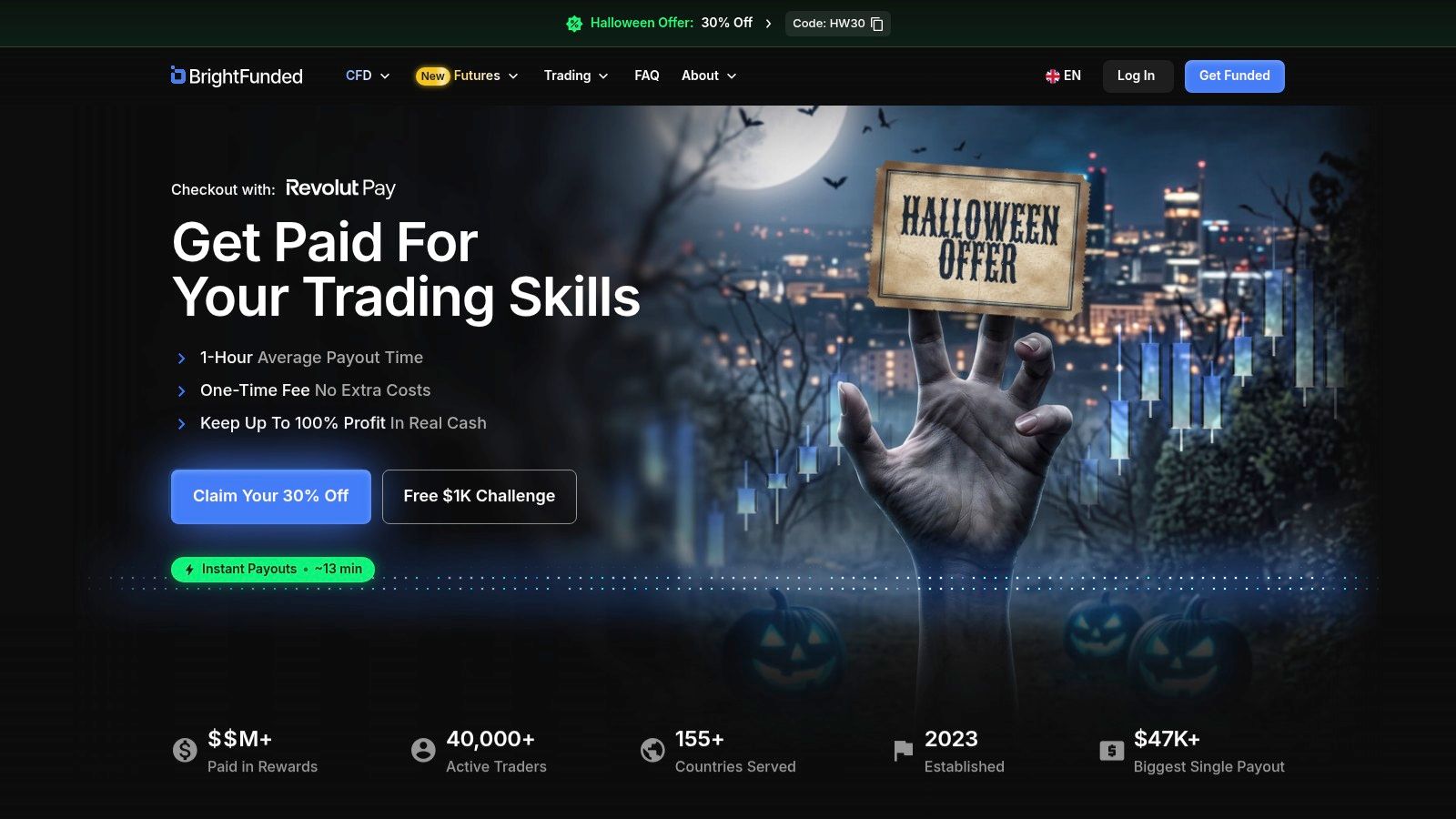
Permission isn't compatibility. BrightFunded permits EAs on its CFD challenge accounts subject to account rules, but its guidance says DXtrade doesn't support API or automated trading.
That distinction matters before checkout, especially for U.S. traders. An EA-friendly statement elsewhere on the website doesn't make automation available on an incompatible assigned platform.
Treat the platform as a purchase condition
Ask which platform your specific account will receive and whether your execution method is supported. Describe the complete setup, including any bridge, external signal service, or order-routing component.
- Advantages BrightFunded explicitly addresses EA use and highlights a platform limitation that traders could otherwise overlook.
- Limitations A permitted strategy may still be unusable on the available account configuration.
- Responsibility An EA malfunction remains your operational problem, so test rejected orders and connection failures before deployment.
A good compatibility test goes beyond opening a market order. Check whether the system can attach stops, amend orders, close positions, and recover its state after restarting.
Don't buy an unsupported bridge in the hope that it turns a restricted platform into an approved automation environment. Even if a workaround appears technically possible, you need permission for that execution route.
BrightFunded CFD belongs on your shortlist only when the available platform matches your bot. If DXtrade is your only option and automation is unavailable there, choose a different product rather than trying to work around the restriction.
5. The Funded Trader
At The Funded Trader, the challenge name matters as much as the company name. Its program information identifies the Royal Challenge as permitting EAs and weekend holds, rather than granting universal permission across every evaluation.
That creates a practical selection problem. A trader can compare prices and account sizes correctly, then still purchase the wrong program for an automated strategy.
Keep the approval tied to the program
Record the exact challenge, platform, and rulebook version when you enroll. If you later change programs, repeat the automation check rather than carrying over your original assumptions.
- Advantages Multiple evaluation styles and a specifically identified EA-permitting program give systematic traders a defined starting point.
- Limitations Account terms, payout conditions, platforms, and automation permission vary by program.
- Eligibility check Confirm current U.S. availability before treating the Royal Challenge as an accessible option.
Weekend permission is useful for a strategy that holds through market closures, but it doesn't establish suitability on its own. Your EA still needs to size positions for adverse reopening conditions and respect the account's loss calculations.
I'd compare the Royal Challenge against alternatives using the bot's expected behavior, not its best historical return. A slower system with controlled exposure may fit better than a high-return backtest that depends on aggressive recovery trades.
Keep screenshots or copies of the applicable terms alongside your configuration files. They won't replace the contract, but they make it easier to identify which rules your deployment was designed to follow.
6. FTMO Futures
Moving from forex to futures isn't just changing a symbol in your EA. FTMO Futures is a separate evaluation product with its own terms, platform requirements, and payout conditions.
It accepts eligible U.S. residents subject to state and other conditions. However, access to a simulated evaluation doesn't necessarily establish eligibility for a later live-account arrangement.
Migration check: Rebuild position sizing around the futures contract before assessing whether the strategy fits the evaluation.
A forex bot's lot calculation won't automatically translate into futures contracts. Validate tick size, tick value, trading sessions, expiration handling, and the minimum position increment.
A conditional futures candidate
- Advantages Published U.S. eligibility information and a futures-focused product make it relevant to systematic futures traders.
- Limitations This isn't a forex or CFD account, and some states are excluded.
- Unresolved requirement Confirm current platform automation capabilities and explicit permission for your strategy before enrolling.
An account that supports your charting platform may not support the external connection your bot uses. Ask about the execution integration, not merely whether the platform name appears on the website.
I'd consider FTMO Futures for a strategy already engineered for futures. Porting an existing CFD EA adds development and validation work, so don't treat a familiar brand as a reason to skip testing contract mechanics and session-specific risk controls.
7. FundedNext Futures
FundedNext Futures explicitly allows EAs and bots on challenge and funded accounts through integrations compatible with Tradovate. That makes FundedNext Futures a more direct automation candidate than a product where permission remains unclear.
The trade-off is technical responsibility. The firm says it doesn't provide setup or troubleshooting support for these systems, so you need to maintain the integration yourself or have competent technical help.
Budget for operational ownership
Test the entire route from signal generation to order acknowledgement. A correctly generated signal is useless if a bridge disconnects, duplicates the instruction, or fails to report an existing position.
- Advantages Direct bot permission, published futures automation rules, and documented product-specific U.S. access.
- Limitations The permission concerns futures, not the separate CFD offering.
- News handling Published futures rules allow news trading, but that doesn't make news execution low-risk.
Maintain logs for signal time, submission time, fill price, rejection reason, and position changes. Those records help distinguish a strategy loss from an integration failure.
I'd shortlist this product for traders who already understand Tradovate-compatible automation and can troubleshoot their own setup. It's less suitable for someone expecting the prop firm to install a purchased bot and keep it running.
Before deployment, rehearse a lost connection while a position is open. Confirm which stops remain active and how the system reconciles positions when it reconnects.
8. BrightFunded Futures
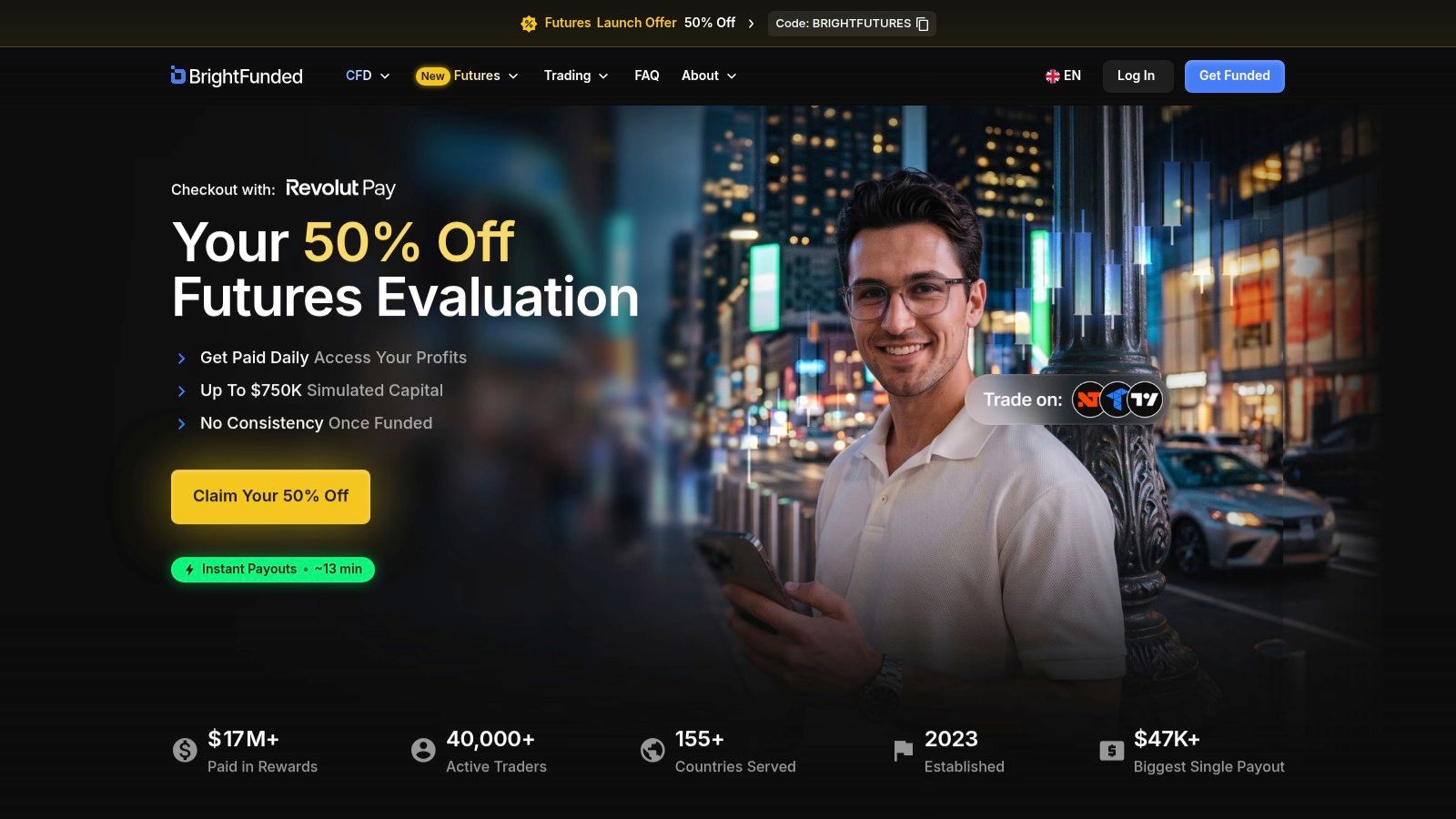
For traders already using NinjaTrader, Tradovate, or TradingView, BrightFunded Futures offers a relevant platform shortlist. Its futures materials state that U.S. traders can join and that bots and EAs are allowed on simulated futures accounts, subject to product rules.
Those platform choices aren't interchangeable automation environments. A NinjaTrader strategy, a Tradovate integration, and TradingView alerts can require different execution components and failure controls.
Match the complete integration
Start with the software your strategy uses. Then verify the data connection, execution permissions, and behavior restrictions for that route.
- Advantages Multiple listed platforms, stated U.S. eligibility, and product-level automation permission.
- Limitations The offering is futures-focused, not a substitute for a forex or CFD account.
- Strategy concern Behavioral restrictions may affect very fast systems even when bots are generally permitted.
For a TradingView-based strategy, confirm how alerts become orders and how duplicate alerts are prevented. For a locally hosted strategy, test what happens when the application closes or the data feed stops updating.
The engineering priority is controlled execution, not just getting an order through. The BIS analysis of modern FX execution reinforces the importance of execution quality, although its market findings aren't evidence about this futures program.
I'd choose among the supported platforms based on reliable order handling and recoverability, not charting preference alone.
9. FundedNext CFD
U.S. traders needing an EA should exclude FundedNext CFD. The firm's U.S. setup uses Match-Trader, where EAs and algorithmic trading are unavailable.
FundedNext offers CFD evaluations and multiple challenge formats, but global automation policies don't override this regional platform restriction. This is precisely why a brand-level list of firms that allow bots can mislead readers.
A useful exclusion, not an EA recommendation
Our FundedNext prop firm overview provides broader comparison context. For this decision, though, the decisive question is whether your U.S. CFD account can execute automated orders, and the stated setup doesn't support that use.
- Advantages Published regional limitations make the incompatibility identifiable before purchase.
- Limitations U.S. CFD customers have restricted platform selection and can't run EAs or algorithmic trading.
- Alternative to assess The futures product has a separate automation policy, but changing asset classes requires fresh strategy validation.
Don't purchase a challenge on the assumption that global EA permission will override a regional platform restriction.
Manually copying an EA's signals isn't equivalent to running the strategy automatically. Human delays, missed entries, and discretionary overrides change the execution you tested.
For traders outside the U.S., confirm the platform and rules applicable to their location. Don't infer international compatibility from this U.S. exclusion, just as U.S. traders shouldn't infer permission from an international policy.
10. The5ers

An existing MetaTrader EA creates a specific problem when evaluating The5ers: platform availability depends on location. Its platform information lists TradingView for U.S.-based clients, while MT5 and cTrader are listed for non-U.S. clients.
The firm also states that cTrader is no longer available for new U.S. accounts. Don't follow an older setup tutorial without checking whether its platform remains available to you.
Resolve compatibility before purchase
The5ers offers FX and CFD evaluation paths, but a suitable evaluation structure can't compensate for an incompatible execution environment. Its platform choice is final once purchased, making the pre-purchase check particularly important.
- Advantages Published regional platform details and multiple evaluation routes help narrow the options.
- Limitations U.S. restrictions may prevent use of common MetaTrader-based EAs.
- Required confirmation Establish whether your specific automated setup is supported and permitted on the platform available in your region.
TradingView chart access doesn't establish that your account supports an automated order bridge. Ask about the complete execution route and any third-party dependencies.
For a non-U.S. trader, platform availability is only the first filter. Verify the EA policy, prohibited strategy behavior, and risk rules for the chosen evaluation as well.
I'd avoid paying until the strategy, platform, and regional eligibility all align. Rewriting a bot after purchase can turn an apparently suitable challenge into a software migration project.
EA Policy and Platform Compatibility Across 10 Funded Trading Providers
| Item | EA Policy | Primary Platforms | Asset Class | Best For |
|---|---|---|---|---|
| MyFundedCapital (Recommended) | Check program-specific rules; some strategies may be restricted | MFC Terminal; other platforms not specified | 750+ markets; U.S. stocks; prediction markets | Flexible funding routes and broad market access |
| FTMO US | Confirm EA support for the specific U.S. account | Platform not specified | Simulated trading; product details vary | U.S. traders seeking an established evaluation brand |
| Atlas Funded | EAs allowed on CFD accounts; futures automation may need approval | Platform not specified | CFDs; futures terms may differ | Systematic CFD traders who need overnight and weekend holding |
| BrightFunded CFD | EAs permitted, subject to rules and platform capabilities; DXtrade does not support automation | DXtrade noted; other platforms not specified | CFDs | CFD traders who verify platform compatibility before purchase |
| The Funded Trader | EAs allowed on the Royal Challenge; rules vary by program | Platform not specified | Asset class not specified | Traders seeking multiple evaluation styles and a specific EA-permitting program |
| FTMO Futures | Confirm platform automation capabilities and current rules | Platform not specified | Futures | Systematic futures traders |
| FundedNext Futures | EAs and bots allowed on challenge and funded accounts | Tradovate-compatible integrations | Futures | Futures traders using automated strategies |
| BrightFunded Futures | Bots and EAs allowed, subject to product rules | NinjaTrader, Tradovate, TradingView | Futures | U.S. futures traders seeking platform choice |
| FundedNext CFD | EAs unavailable on U.S. CFD accounts using Match-Trader | Match-Trader for U.S. clients | CFDs | U.S. CFD traders who do not require automation |
| The5ers | Verify compatibility with the platform available in your region | TradingView for U.S. clients; MT5 and cTrader listed for non-U.S. clients | FX and CFDs | Traders checking regional platform options |
Your Next Step to Match the EA to the Right Funded Program
The best funded trading EA setup is the one you can operate within the account's actual rules. A profitable backtest doesn't prove that your bot can survive the daily-loss calculation, execute through the available platform, or qualify for rewards.
Before purchasing, complete this checklist:
- Get written permission Identify the exact program, strategy behavior, and execution integration.
- Verify the assigned platform Confirm what your region and account type receive.
- Code the loss calculations Include floating losses, costs, reset times, and any trailing equity floor.
- Leave execution headroom Halt entries before the formal breach threshold rather than using the entire allowance.
- Stress-test operations Rehearse widened spreads, rejected orders, delayed exits, restarts, and correlated losses.
- Define a pause policy Separate normal losing periods from abnormal execution or strategy deterioration.
Margin use deserves particular attention. The CFTC's forex advisory explains that a 2% margin requirement can let a trader control a $100,000 position with $2,000. Size positions from stop distance and permitted loss, not from the maximum exposure the platform allows.
These evaluations and simulated funded arrangements aren't personal live brokerage accounts. Our funded accounts are fully simulated using real market quotes; other providers may have separate later-stage arrangements, so read their agreements rather than assuming every stage operates identically.
Are EAs allowed on funded accounts?
Some programs permit them, some require agreement, and others restrict automation by platform or region. Our policy requires contacting support and obtaining agreement before using a bot.
Which platforms support EAs?
MetaTrader supports native Expert Advisors, while cTrader uses cBots and futures platforms have their own strategy tools or integrations. Platform availability doesn't automatically establish account-level permission, so find the right trading automation setup around the approved execution route.
What risk settings does a funded trading EA need?
Use stop-based position sizing, aggregate exposure limits, spread controls, and daily-loss and maximum-drawdown safeguards. Our published baseline includes a 5% daily loss limit and up to 10% maximum drawdown, with the applicable rulebook determining your account's requirements.
How should news filters work?
Match the firm's event window and rules for entries, pending orders, and existing positions. Our core programs prohibit new trades 2 minutes before and after high-impact news; with the news add-on, 50% of news-window profit counts.
Trading involves risk of loss, and automation doesn't guarantee compliance or profits. This content is educational only and isn't financial advice.
Explore MyFundedCapital to compare Instant Funded, 1-Step, and 2-Step options, and use our free demo terminal to test your approved automation setup against the published risk rules before starting a challenge. EAs are allowed by agreement after contacting support, and copy trading is permitted, including copying other traders, as long as every trade follows the rules. Join a community of more than 14,000 traders across 180+ countries while keeping platform compatibility and disciplined risk control at the center of your decision.
