Using a forex expert advisor (EA) can feel like having a disciplined, emotionless assistant executing your trades 24/5. This guide will show you how to properly develop, test, and manage an EA for automated trading without the hype. You will learn the practical steps to avoid common pitfalls and use these tools responsibly, especially in a prop firm environment.
What is a Forex Expert Advisor?
A Forex Expert Advisor, or EA, is a software program that automates your trading strategy on a platform like cTrader or DXtrade. You provide it with a set of precise rules, and it executes trades on your behalf without emotional interference. It’s a tool for execution, not a strategy in itself; its performance depends entirely on the logic you program into it.
When market conditions align with your pre-defined rules, an EA can automatically:
- Scan for trading opportunities across multiple currency pairs.
- Open new trades instantly when your criteria are met.
- Manage open positions with pre-set stop-loss and take-profit levels.
- Close trades based on your exit strategy.
This automation enforces discipline, which is crucial for meeting the strict risk rules of a proprietary trading firm.
How Does an Expert Advisor Actually Work?
An EA translates your trading plan into code. For example, a simple strategy might be: “On the EUR/USD H1 chart, if the 50-period moving average crosses above the 200-period moving average and the RSI is above 50, buy 0.5 lots.” The EA monitors the market and executes this trade instantly when all conditions are met, eliminating hesitation and human error.
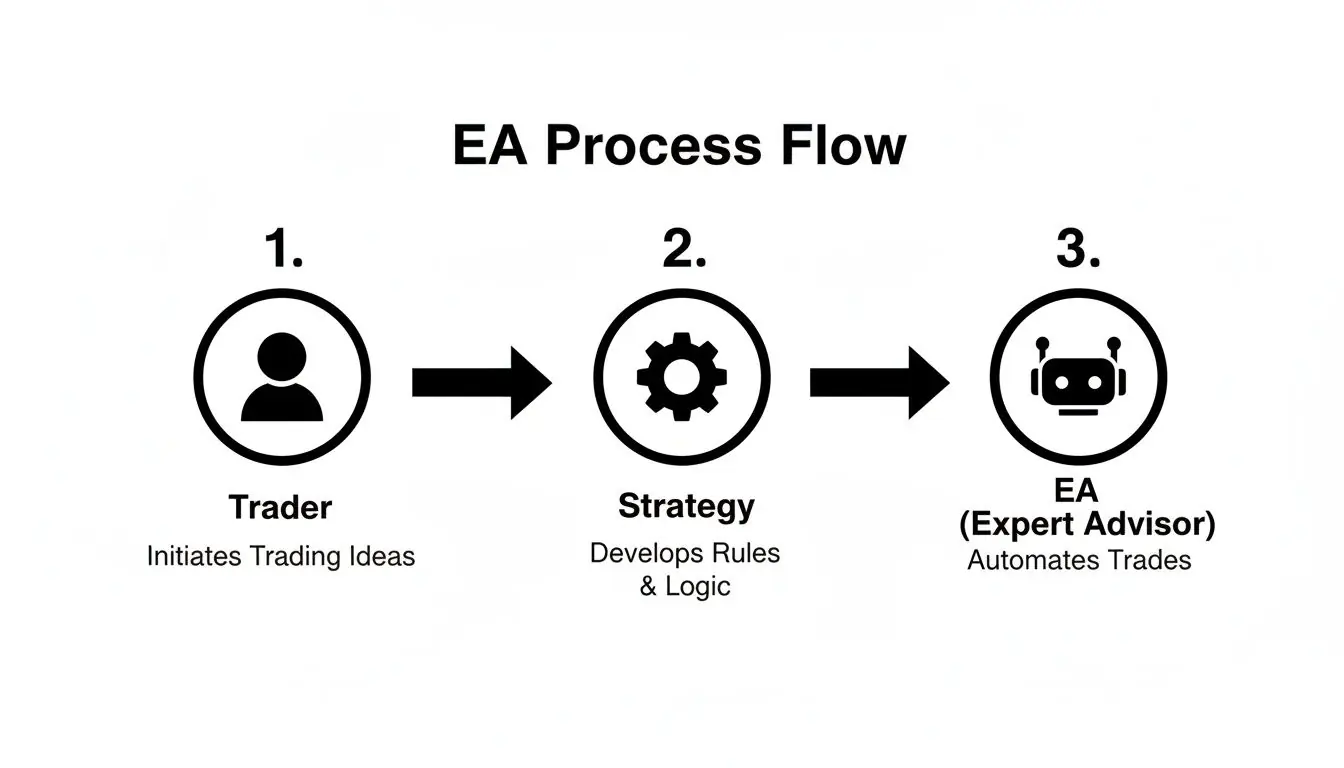
The performance of your EA is a direct reflection of your strategy’s quality. Automating a flawed strategy will only lead to faster losses. It’s an execution tool, not a substitute for trading knowledge. For more on this, our guide on automatic forex trading provides additional context.
How to Properly Test Your Forex EA
Before letting a forex expert advisor manage real capital, rigorous testing is non-negotiable. Many traders fail because they trust marketing claims instead of verifying performance themselves. Proper testing involves a multi-stage process to understand an EA’s strengths and weaknesses before they impact your account.
This process separates professional algo traders from amateurs. It’s not about finding a “perfect” system but about understanding your EA’s limitations.
Step 1: Backtesting and Optimization
The first step is backtesting, where you run the EA on years of historical price data. This gives you a baseline of its potential performance. A good backtest is just the start.
Next comes strategy optimization, where you test thousands of input combinations (e.g., different moving average lengths) to find the most stable settings. The goal is to avoid over-optimization, or “curve-fitting,” where an EA is tuned perfectly to past data but fails in live markets.
Practical Tip: A robust strategy should be profitable across a range of parameters. For example, it should perform well with a moving average setting of 18, 19, 20, 21, and 22, not just a “perfect” setting of 20.
Step 2: Advanced Validation (Walk-Forward & Monte Carlo)
Once you have a set of promising parameters, it’s time for professional-grade validation.
- Walk-Forward Analysis: This simulates real-world trading. You optimize the EA on one period of historical data (e.g., 2024) and test it on the next “out-of-sample” period it has never seen (e.g., Q1 2025). This process is repeated over time. An EA that performs well in a walk-forward analysis is more likely to be robust. Our guide to backtesting software can help you find the right tools for this.
- Monte Carlo Simulation: This stress-tests your strategy’s resilience. The simulation shuffles your backtest’s trade sequence thousands of times to answer critical questions:
- What is the real probability of hitting a maximum drawdown?
- How likely is a long losing streak?
- Could a different order of the same trades have blown up the account?
Passing these advanced tests demonstrates that your EA’s success is statistically sound, not just luck. This disciplined approach to validation borrows principles from mastering test scenarios in software testing.
Step 3: Final Checks Before Going Live
Before risking any capital, complete these final checks:
- Test on multiple pairs Ensure the logic is sound and not just tailored to one pair’s unique behavior.
- Factor in real-world costs Your tests must include realistic spreads, commissions, and potential slippage.
- Demo trade on a live account Run the EA on your broker’s demo platform for several weeks. This confirms it functions correctly with their server and execution speeds without any surprises.
Getting Your EA Live On cTrader And DXtrade
After thorough testing, you can deploy your forex expert advisor. A proper technical setup is crucial, as a sloppy installation can ruin even a well-tested EA. This section covers deploying your EA on the cTrader and DXtrade platforms, both supported by MyFundedCapital.
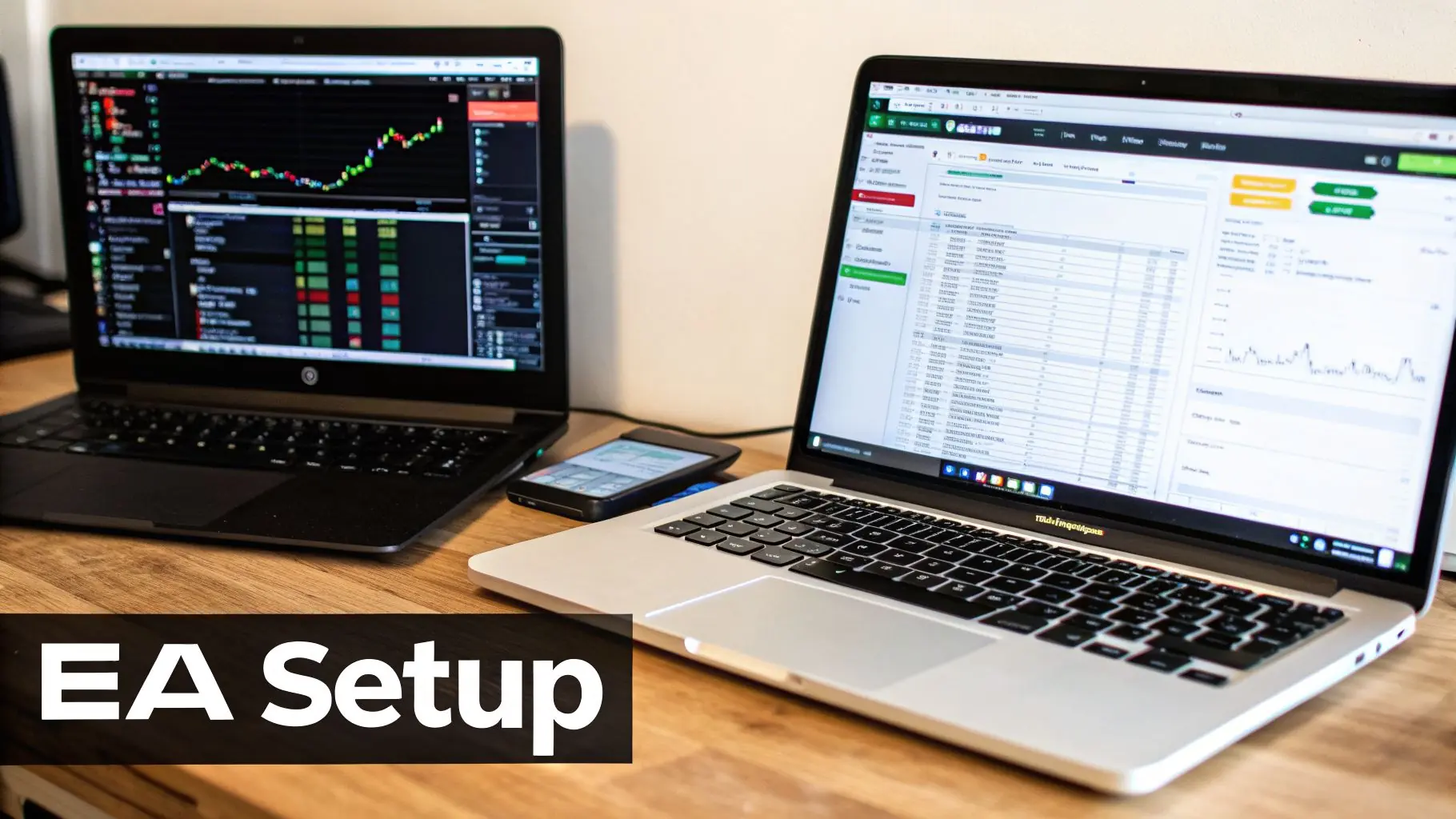
Why a Virtual Private Server (VPS) is Essential
Running an EA from your home computer is a significant risk. Power outages, internet disruptions, or system updates can take your EA offline, causing it to miss entries or fail to manage open trades.
The professional solution is a Virtual Private Server (VPS)—a remote, cloud-based computer that runs 24/7. A VPS ensures your EA has a stable, secure, and constantly connected environment.
When choosing a VPS, prioritize low latency (the delay for an order to reach your broker). To minimize latency and slippage, select a VPS located in the same data center as your broker’s servers, typically in financial hubs like New York or London.
Setting Up Your EA on cTrader
cTrader offers excellent native support for automated trading through cBots.
- Open cTrader Automate In cTrader, click the “Automate” icon.
- Install Your cBot Double-click your
.algofile to install it. If you have the source code, you can create a new cBot and paste the code in. - Add an Instance Click the “+” icon next to your cBot to assign it to a specific chart (currency pair and timeframe).
- Configure Parameters Enter the settings (lot size, stop-loss, etc.) that you identified during your testing phase.
- Start the cBot Click the “Play” button. The status will change to “Running,” and your EA will be live.
To learn more about the platform’s features, check out our cTrader vs. MT5 comparison.
Deploying Your EA on DXtrade
DXtrade also supports algorithmic trading, often via API connections.
- Platform Connection Confirm your EA is compatible with the DXtrade API. This is usually handled by the EA developer.
- Authentication Enter your account credentials and server details into the EA’s configuration panel to authorize it.
- Parameter Configuration Set your risk per trade, magic numbers (to track trades), and other strategy-specific inputs.
- Activation Start the EA from its interface. It will begin sending trade commands to your DXtrade account.
Actionable Tip: Always run a newly deployed EA on a demo account for at least one week to verify its connection and execution before using it on a live funded account.
Managing Risk When Using An EA
Automating your trading does not mean you can ignore risk management; it means you must be even more diligent. An EA executes with speed and precision, but without strict controls, it can also amplify losses. This is your most important job, especially when managing a prop firm’s capital.
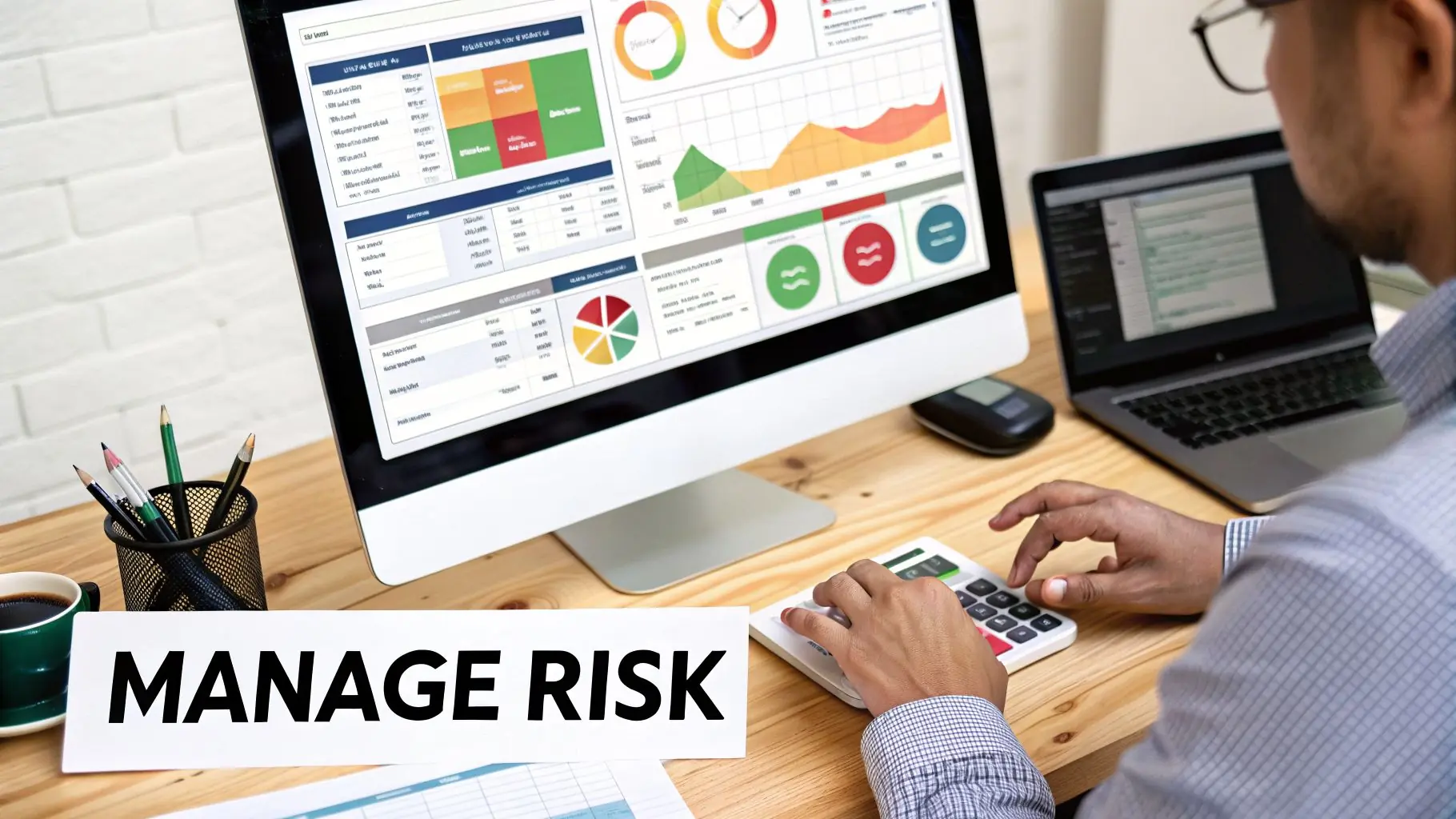
Baking risk controls directly into your EA’s code is fundamental to long-term success.
Aligning EA Settings With Prop Firm Rules
The primary reason traders fail prop firm challenges is by violating drawdown rules. A properly configured EA is your best defense. You must hard-code the firm’s limits directly into your EA’s logic.
Here’s a checklist for aligning your EA with MyFundedCapital’s rules:
- Risk Per Trade Set a maximum risk of 0.25% to 0.5% of your account balance per trade. This provides a buffer, requiring 10-20 consecutive losses to approach the daily drawdown limit.
- EA Max Daily Drawdown Our rule is a 5% Daily Loss Limit. Set your EA’s internal daily stop-out at 4%. This 1% safety margin accounts for slippage and other costs, preventing an accidental breach.
- EA Max Overall Drawdown Our rule is a 10% Max Drawdown. Configure a “kill switch” in your EA to halt all trading if total equity drops by 8%. This protects your account from disqualification.
How to Calculate Position Size Correctly
Your EA must calculate position size dynamically for every trade based on a fixed risk percentage and the specific trade’s stop-loss distance. Using a fixed lot size is a common and costly mistake.
Here is a practical example for a $100,000 account, risking 0.5% per trade:
- Calculate Your Dollar Risk
$100,000 (Account) × 0.005 (0.5% Risk) = $500 risk per trade. - Determine the Stop-Loss Your EA identifies a trade setup on EUR/USD that requires a 20-pip stop-loss.
- Find the Pip Value For a standard lot of EUR/USD, one pip is worth $10.
- Calculate the Position Size
Position Size = Dollar Risk / (Stop-Loss in Pips × Pip Value)
Position Size = $500 / (20 pips × $10) = 2.5 lots.
This calculation ensures that whether your stop-loss is 20 pips or 50 pips, your dollar risk remains consistent at $500.
Your Role as the Risk Manager
You are the chief risk officer of your account. The EA is a tool, but you are responsible for monitoring its performance and adapting to changing market conditions. The “set and forget” mindset is a myth.
Studies show that a majority of unmonitored EAs fail within a year because they cannot adapt to market shifts or unexpected news events. Active oversight is non-negotiable. Treating your EA setup with the same diligence as software project risk management is what separates professionals from hobbyists. You can discover more insights about these EA performance statistics to understand the importance of active oversight.
Where to Go From Here
Successful automated trading is not about finding a magic “holy grail” EA. It’s about developing a robust process for testing, deploying, and managing your strategies. The forex expert advisor is a tool for executing your plan with discipline; your process is your true edge.
You now have a blueprint to approach automated trading as a professional endeavor. The next step is to apply this knowledge in a real-world trading environment.
Put Your Process to the Ultimate Test
Proprietary trading firms like MyFundedCapital offer a path for traders with a proven algorithmic process to trade significant capital without risking their own. It’s an opportunity to test your skills and discipline when it matters most.
Our funding challenges are designed to support disciplined EA traders with clear rules and powerful platforms.
- 1-Step Challenge Pass one evaluation phase to get funded quickly.
- 2-Step Challenge Prove your consistency across two phases to access larger account sizes.
When you’re ready to prove your automated strategy has what it takes, start a challenge and show us your edge.
Frequently Asked Questions (FAQ)
Can I pass a prop firm challenge using only a forex expert advisor?
Yes, it is possible, but it requires more than just owning an EA. Success depends on using a thoroughly tested, robust strategy and implementing strict risk management that aligns with the prop firm’s rules. You cannot “set and forget” it; active monitoring is essential to prevent rule violations and adapt to changing market conditions. Trading is a business that involves risk of loss.
What are the biggest mistakes to avoid when using an EA?
The three most common mistakes are:
- Over-optimization Tuning an EA to be “perfect” on past data, which causes it to fail in live markets.
- Ignoring Real-World Costs Failing to account for spreads, commissions, and slippage, which can erase profits.
- The “Set and Forget” Mindset Not actively monitoring the EA’s performance, which is crucial for long-term survival.
Are all expert advisor strategies allowed by prop firms?
No. Most prop firms prohibit certain types of EAs to ensure fair and realistic trading; at MyFundedCapital, every EA needs an agreement with support before you run it. Prohibited strategies typically include high-frequency trading (HFT), latency arbitrage, and certain tick scalping methods. Always read the firm’s rules carefully before starting a challenge to ensure your EA strategy is compliant.
What kind of EA strategy is best for a funded account?
For prop firm challenges, strategies focused on capital preservation are more effective than high-risk, high-return systems. Look for an EA that demonstrates a low drawdown and a smooth, consistent equity curve during backtesting. Avoid systems that use risky methods like Martingale or grid trading, as a single unfavorable market move can lead to an instant account breach.
Ready to put your automated strategy to the test in a professional trading environment? At MyFundedCapital, we provide the platform and capital for skilled EA traders to prove their edge.
Compare our funding programs and start your challenge today!