

The terminal that knows your rules.
Live limit meters, Fit to limits and pro order tools, right in your browser. See what every order can cost before you click Buy.
- BrowserNothing to install
- FX · Metals · CryptoMarkets
- EN · NLLanguages
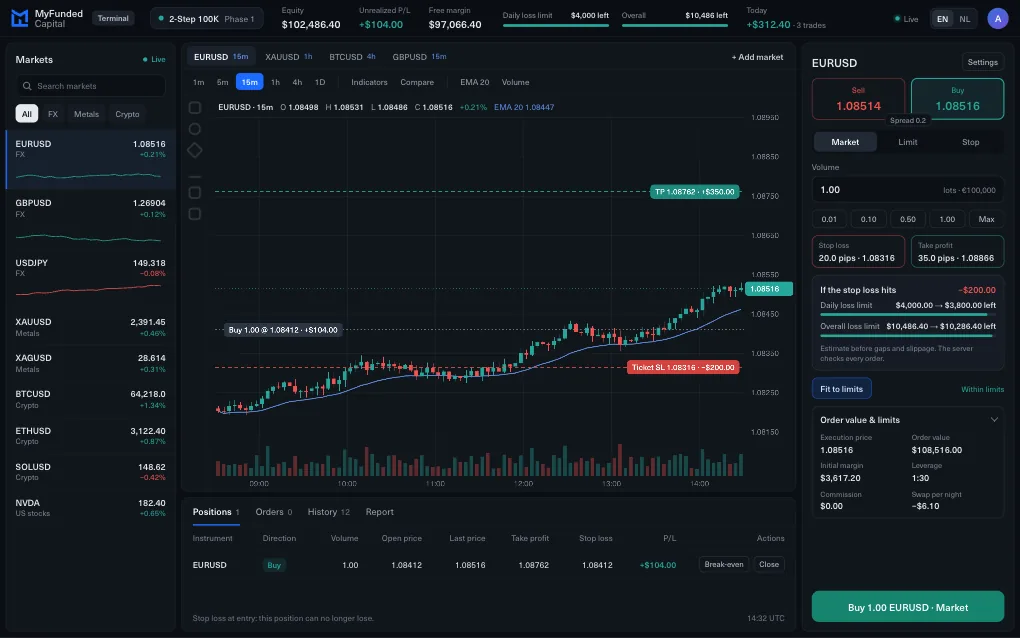
Your limits, live
The rules live
in the ticket.
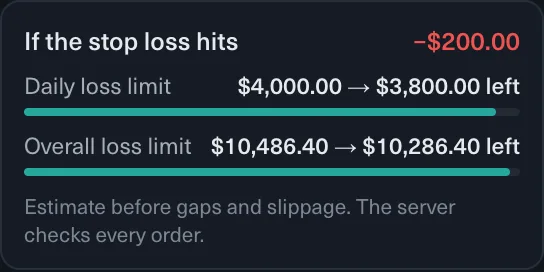
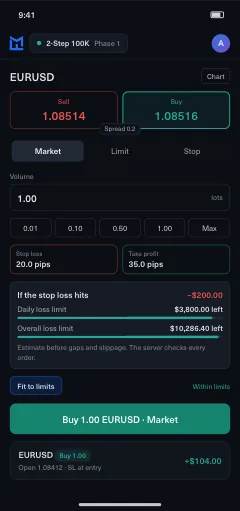
Drag the volume. The cost at your stop and what is left of each limit update as you move. Press Fit to limits and the ticket sizes itself.
Example account. Estimate before gaps and slippage; the server checks every order.
Limit line
Every order shows the loss at your stop and what each limit would have left after it.
Fit to limits
One tap sets the largest volume that keeps the stop inside 80% of your smallest remaining limit.
Your own daily limit
Set a personal limit below the plan’s. When you reach it, new trades pause for the rest of the day.
On real screens
From checkout to payout
This is the real product: the plan card on our site, the MyFundedCapital Terminal and the emails your Dashboard sends.
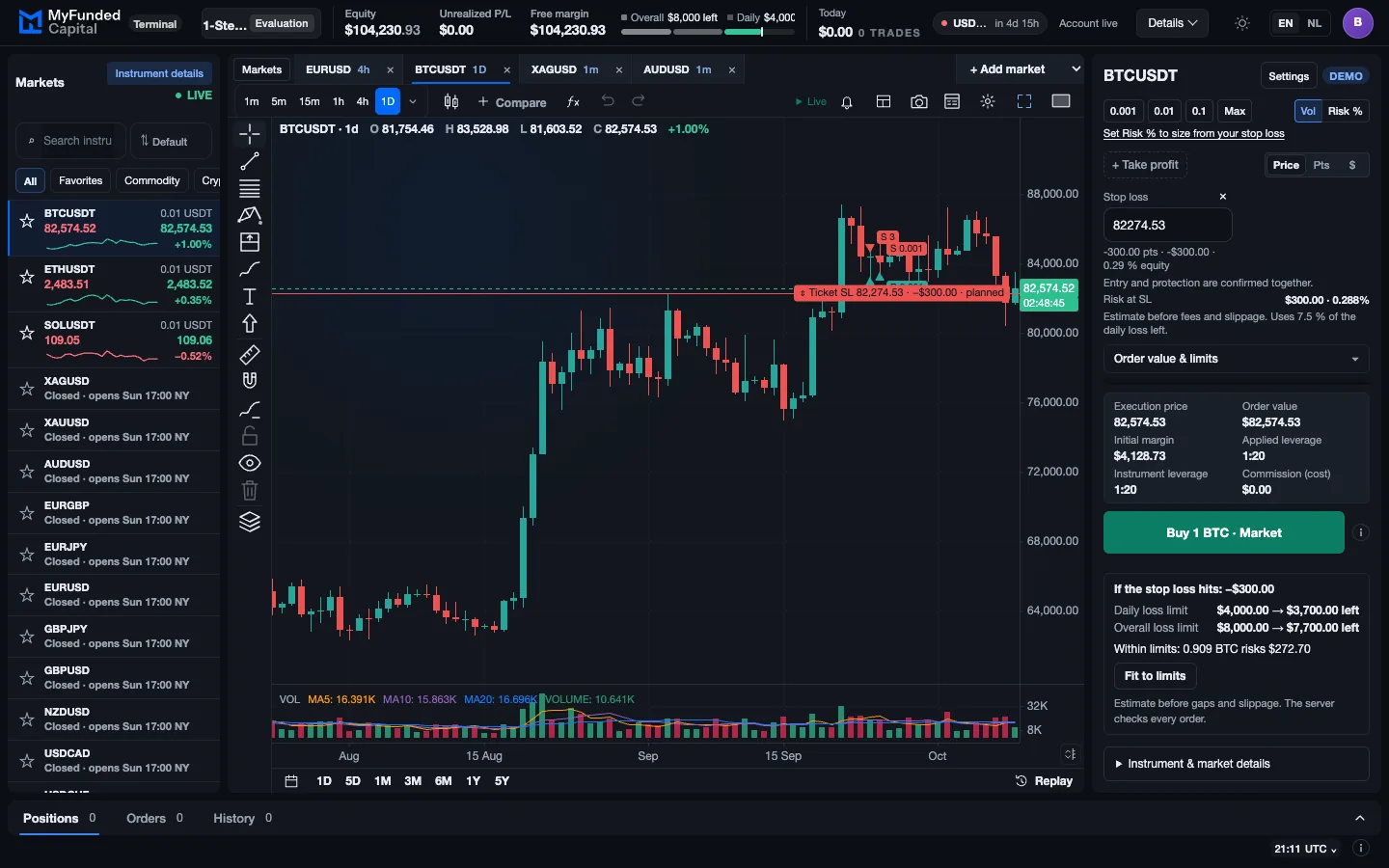
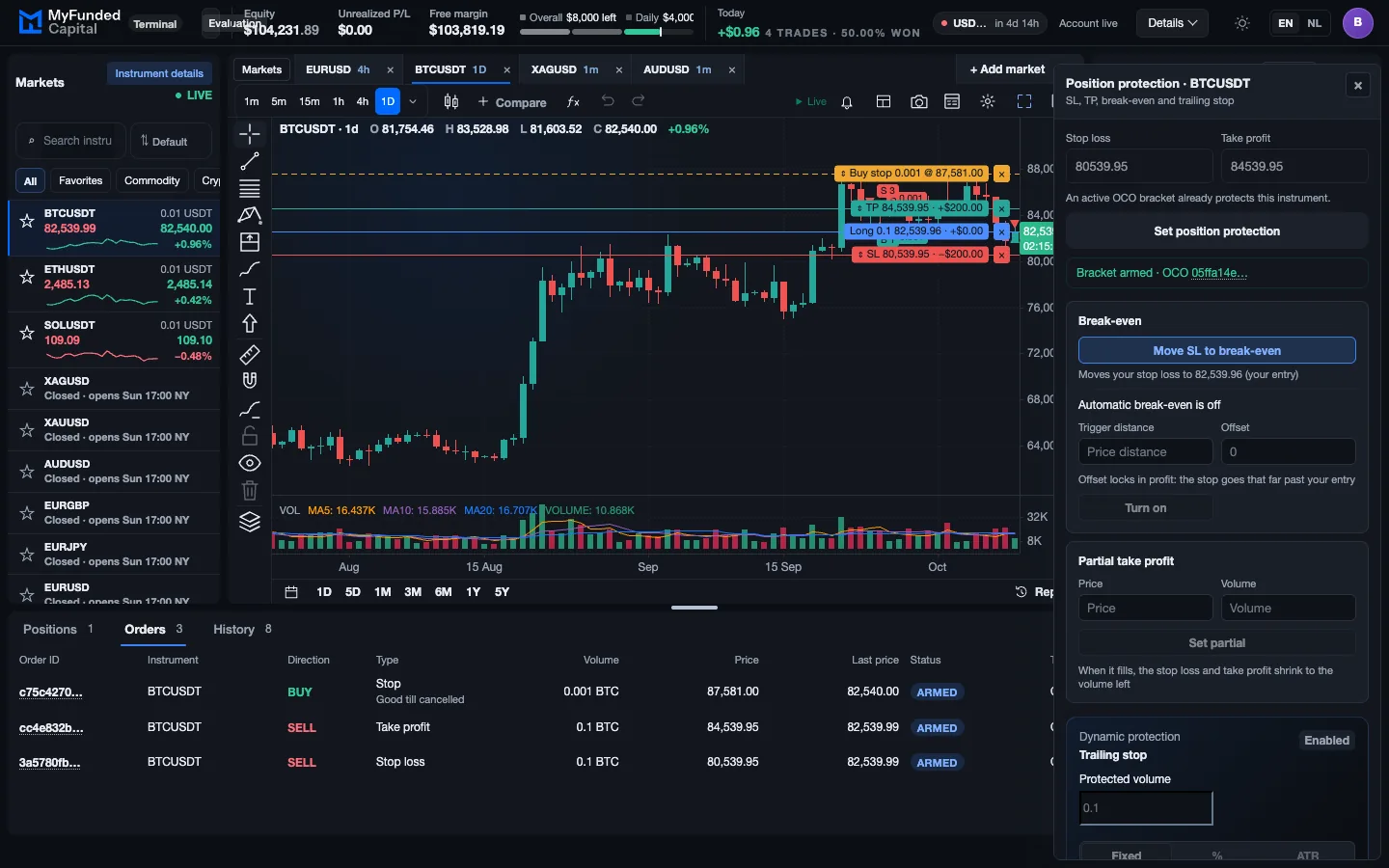
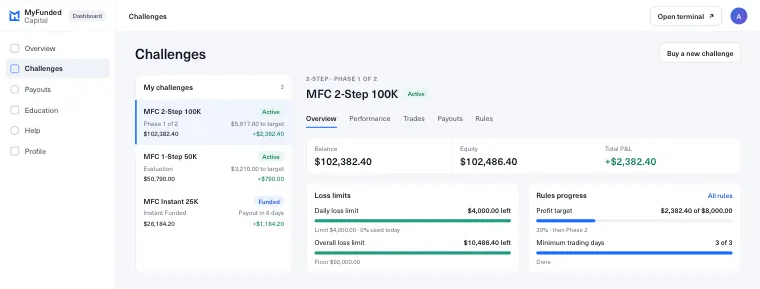
Your daily and overall loss room in dollars, next to every order.
 Target and limits on one bar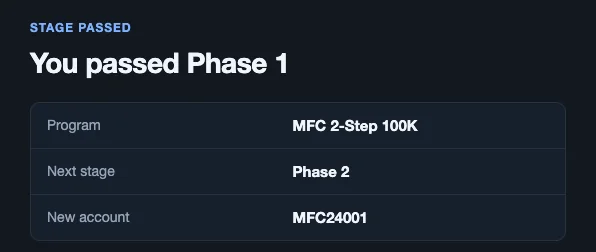
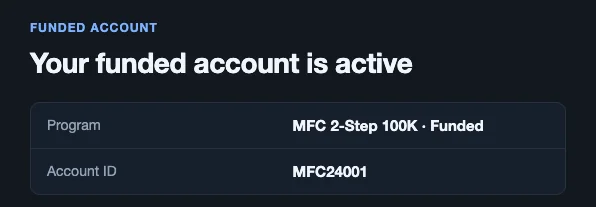
Hit the target inside your limits. Your Dashboard tells you the moment you pass.
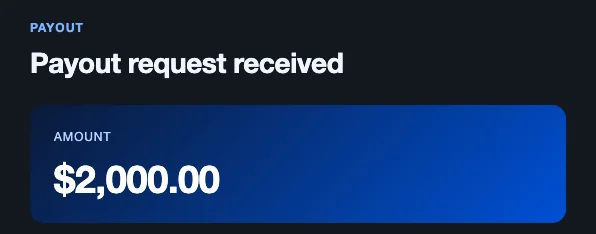
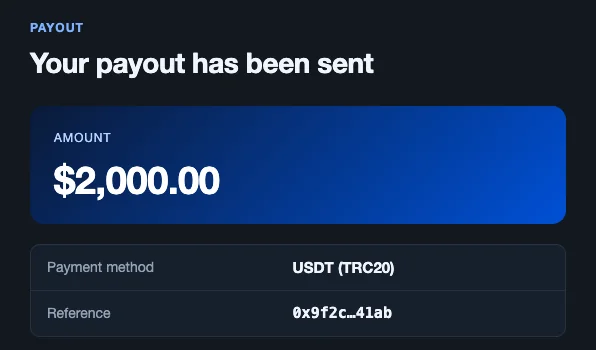
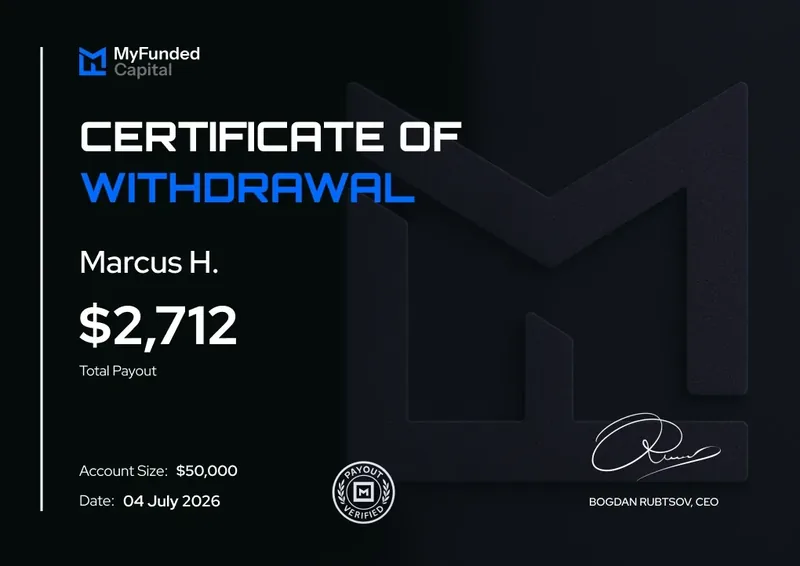
Request your payout in the Dashboard. 1:46h on average.
Screens from a test account.
Chart
A chart that
keeps your work.
Live candles from one minute to one month. SMA, EMA, VWAP, Bollinger Bands, RSI, MACD and volume. Trend lines, rays and Fibonacci stay for your next session.
- EMA
- SMA
- VWAP
- Bollinger Bands
- RSI
- MACD
- Volume
- Trend line
- Ray
- Fibonacci
Order tools
Eight things you
stop doing by hand.
Fit to limits
One tap sizes the order to the room left in your loss limits.
Stops on pending orders
Stop loss and take profit apply the moment a limit or stop order fills.
Trailing stop
Trail by a fixed distance, a percentage or ATR.
Break-even
Move the stop to your entry in one tap, or let it move by itself.
Partial close
Take part off, or set a partial take profit, and keep the rest running.
Reverse
Long to short at the same size, in one order you review first.
MAE and MFE
How far each trade went against you, and for you, before you closed it.
Report
Account curve, calendar, tags and MAE / MFE for every trade.
Markets
FX, metals, crypto, indices, oil, stocks.
And Prediction Markets.
One watchlist
- EURUSD
- GBPUSD
- USDJPY
- AUDUSD
- USDCAD
- USDCHF
- NZDUSD
- EURGBP
- EURJPY
- GBPJPY
- XAUUSD
- XAGUSD
- Bitcoin
- Ether
- Solana
- US100
- US500
- WTI
Forex majors, crosses and exotics, gold and silver, 17 crypto pairs, and US indices and oil, all with the same ticket, limits and tools.
Prediction Markets
Buy YES or NO on real events, priced from Polymarket, in the same terminal with the same limits on screen.
About Prediction Markets →US stocks and ETFs
1,500+ liquid US stocks and ETFs in the regular US session, 09:30 to 16:00 New York time, flat every night. Same terminal, same limits on screen.
About Stocks →Nothing to install
Open a browser.
That’s the install.
Works on a computer or phone in a current Chrome, Edge, Safari or Firefox. Sign in, press Open terminal, trade.
- 1Sign in to your Dashboard
- 2Press Open terminal
- 3Trade on a computer or phone
- Chrome
- Edge
- Safari
- Firefox
- English · Nederlands
What changes
You used to.
Now you don’t.
- You used to: Install a desktop app or log in to a separate platformNow: Sign in and press Open terminal next to your challenge. Nothing to install.
- You used to: Work out position size in a calculatorNow: “Fit to limits” in the ticket
- You used to: Check a dashboard for your daily drawdownNow: Daily and overall loss limit in the header, with “$ left”
- You used to: Move the stop to break-even by handNow: Break-even, partial take profit and trailing stop on the position
- You used to: Export trades to a spreadsheetNow: Report: account curve, calendar, MAE / MFE, tags
From checkout to your first trade
Three steps.
- 01
Buy a challenge
Pick 1-Step, 2-Step, Instant Funded, Stocks or Prediction Markets and an account size.
- 02
Sign in
Open the MyFundedCapital Dashboard with the email from your order: your password or an 8-digit code we email you.
- 03
Open the terminal
Your challenge has an Open terminal button. Your terminal login is shown next to it.
FAQ
Questions.
Do I need to install anything?
No. The terminal runs in your browser. You open it from your challenge in the MyFundedCapital Dashboard.
Which devices and browsers work?
A computer or phone with a current version of Chrome, Edge, Safari or Firefox.
Which markets can I trade?
Forex majors, crosses and exotics, gold and silver, 17 crypto pairs, and US indices and oil priced from ETFs. Stocks accounts (1,500+ US stocks and ETFs) and Prediction Markets accounts trade in the same terminal. The full list is in the terminal.
Does the terminal stop me from breaking a rule?
It shows what every order would cost against your daily and overall loss limits before you send it, and Fit to limits sizes the order inside them. The figures are estimates before gaps and slippage, and the rules of your plan still apply.
Which languages?
English and Dutch.
Is this real money?
No. You pay a one-time fee for your account and never deposit trading money. Prices are real market quotes.
Where do I see my rules and payouts?
In the MyFundedCapital Dashboard. Each challenge shows its limits, its progress to the target and its payouts.
Payouts and reviews
What traders say after their first payout
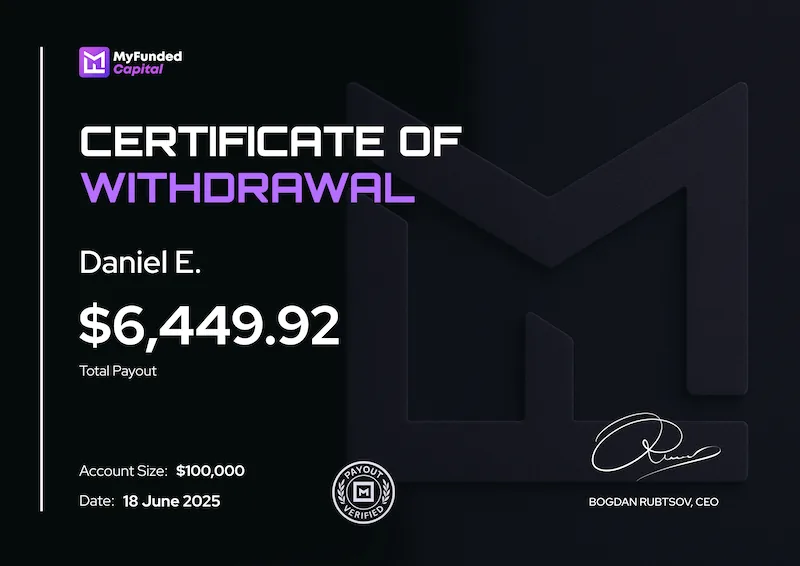
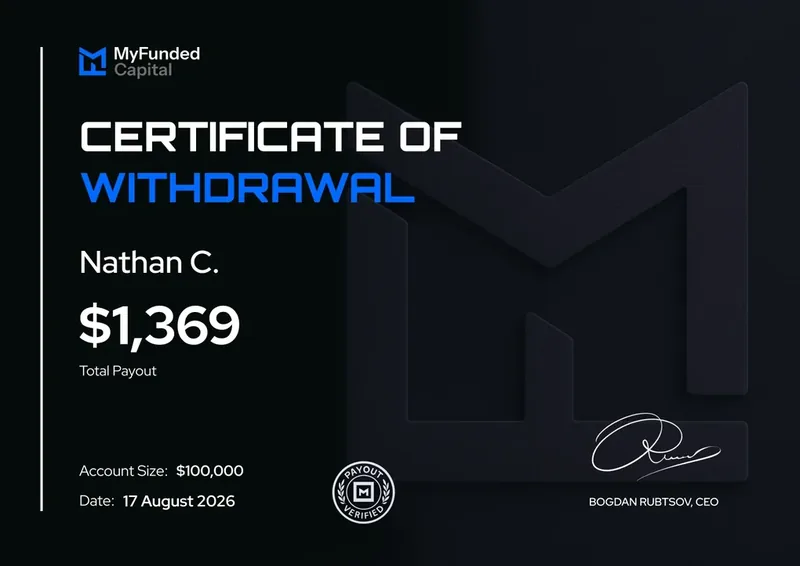



- 1:46h average payout processing
- Bank transfer, e-wallets, crypto or local methods
- Track every request in your Dashboard



Trade where the rules
are on screen.
1-Step, 2-Step, Instant Funded, Stocks or Prediction Markets, all traded in MyFundedCapital Terminal.
- 14,000+traders worldwide
- 180+countries
Trading carries a high level of risk. Hypothetical and past results do not guarantee future results, and nothing here is investment advice. MyFundedCapital is not a broker and does not accept client deposits. Terminal screens on this page are illustrations with example figures.
