You've got a strategy idea, a backtest that looks promising, and then live fills don't match, your broker's symbols differ, or the platform won't run the bot the way you expected. That's the normal failure point for algo trading tools. The problem usually isn't the signal alone, it's the fit between research, data, execution, and monitoring.
This guide looks at 10 algo trading tools by where they sit in that workflow, from scripting and backtesting to broker-connected execution, multi-symbol portfolio analysis, and cloud deployment. You'll see what each tool handles well, what it doesn't handle well, and what hidden dependency you need to check before you build around it. If you want broader background first, Colibri Trader's algorithmic trading overview covers the basic concepts, but the practical question here is which stack you can maintain without surprises.
A useful reality check is that automation isn't a niche add-on in FX anymore. Bank for International Settlements research shows banks began using direct computer interfaces on EBS in 2004, non-bank participants followed through prime brokerage in 2005, and by 2022 bank API trading and non-bank API trading each represented slightly more than 40% of EBS sample volume while manual trading had fallen to approximately 15%, according to Bank for International Settlements research on electronic and algorithmic FX trading. Trading involves risk of loss, and this article is educational only, not financial advice.
1. MetaTrader 5 (MetaQuotes)
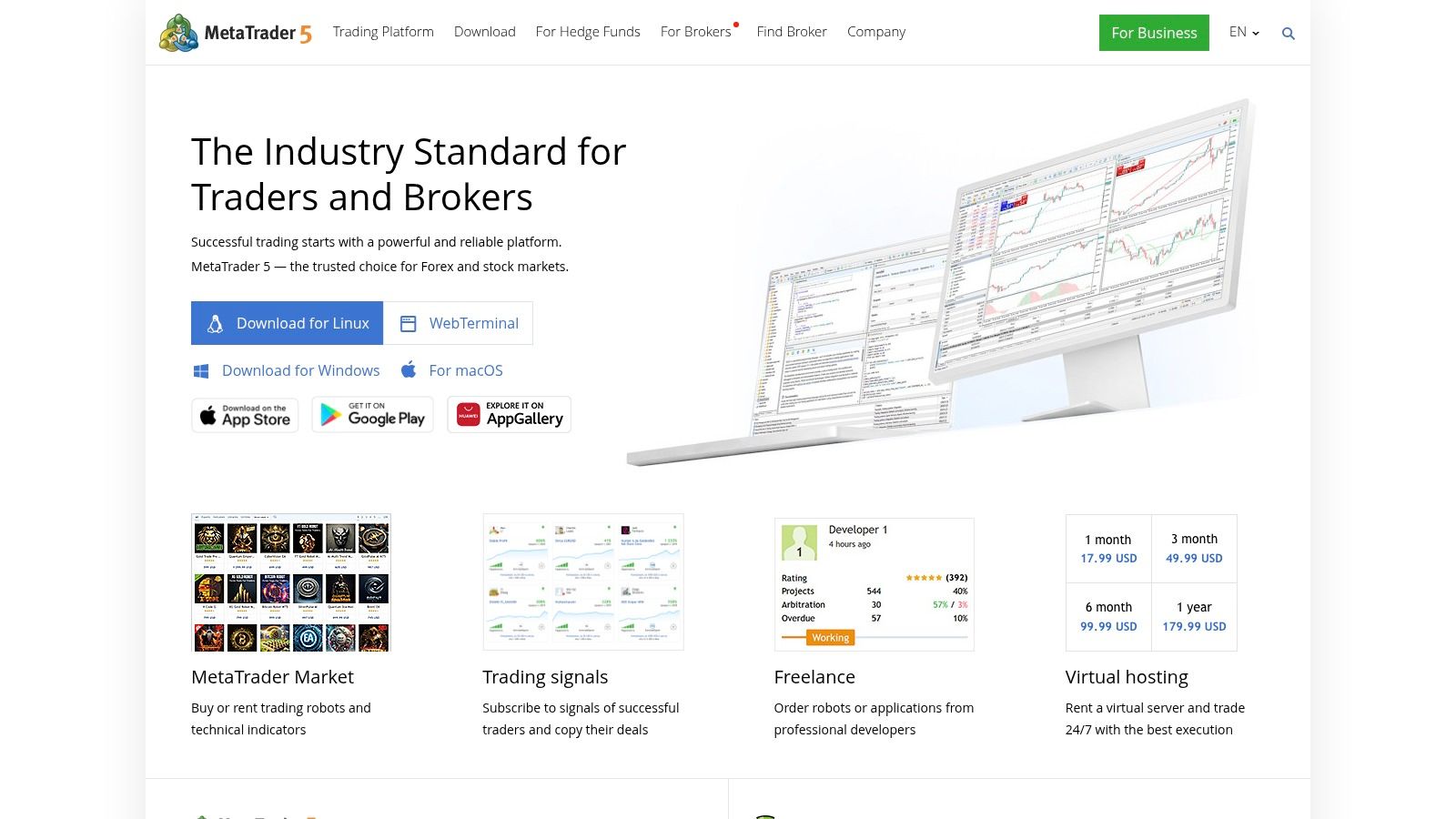
For most FX and CFD traders, MetaTrader 5 is the default starting point because the MQL5 IDE, strategy tester, and live terminal live in one place. You can build Expert Advisors and indicators, optimize parameters, and run the same code in a broker account without stitching together a separate execution bridge. That continuity is its main operational advantage.
The multi-currency strategy tester matters if your system trades correlated pairs or opens portfolio positions across symbols. Single-symbol testers hide cross-symbol margin and correlation effects. MT5 also supports forex, stocks, and futures in principle, though what you can trade depends entirely on your broker's feed and symbol list.
Where It Gets Messy
- Broker dependence Live execution, tick history, spreads, and symbol availability come from the connected broker or prop firm, not from MetaQuotes itself.
- Marketplace risk The integrated marketplace makes buying or renting EAs easy, but quality varies widely and a polished listing page tells you almost nothing about drawdown behavior.
- Backtest realism Tester results only match live trading if your broker's data, commission model, and execution rules match your test assumptions.
MT5 works best when you want a large developer ecosystem, plenty of example code, and deep multi-symbol testing without building your own infrastructure. It's less comfortable if you want broker-agnostic research in Python or if your firm doesn't offer MT5 at all. Test any EA on the exact broker feed you'll trade live, because porting results between feeds is where many strategies fail.
2. cTrader Automate (Spotware)
cTrader Automate is the natural alternative when your broker or prop firm already supports cTrader. You build cBots in C#, with Visual Studio integration and Python support, then backtest and optimize inside the platform. The tooling feels modern compared with older retail terminals, and debugging in a real IDE shortens your development cycle.
The feature that changes daily operations is cloud cBot instances. Instead of renting a VPS, keeping a desktop terminal open, and checking that Windows didn't reboot overnight, you can run hosted instances and monitor them across desktop, web, and mobile. That removes one common failure source, though it doesn't remove strategy risk, broker disconnects, or bad logic.
The cTrader Store gives you access to third-party bots and indicators if you don't want to code everything yourself. Treat purchased bots the same way you'd treat MT5 marketplace EAs. Run them in demo, check order behavior around news, and confirm position sizing logic before you trust them with a funded account.
Cloud hosting solves the uptime problem. It doesn't solve the validation problem, and confusing those two is how traders deploy untested bots faster.
Two trade-offs deserve attention. First, broker availability varies by region, so confirm your firm supports cTrader before you invest weeks in C# development. Second, strategies generally need refactoring to move to other platforms, because cBot code doesn't port cleanly to MQL5 or NinjaScript. If platform portability matters to you, factor that lock-in cost in early.
3. DXtrade (Devexperts)
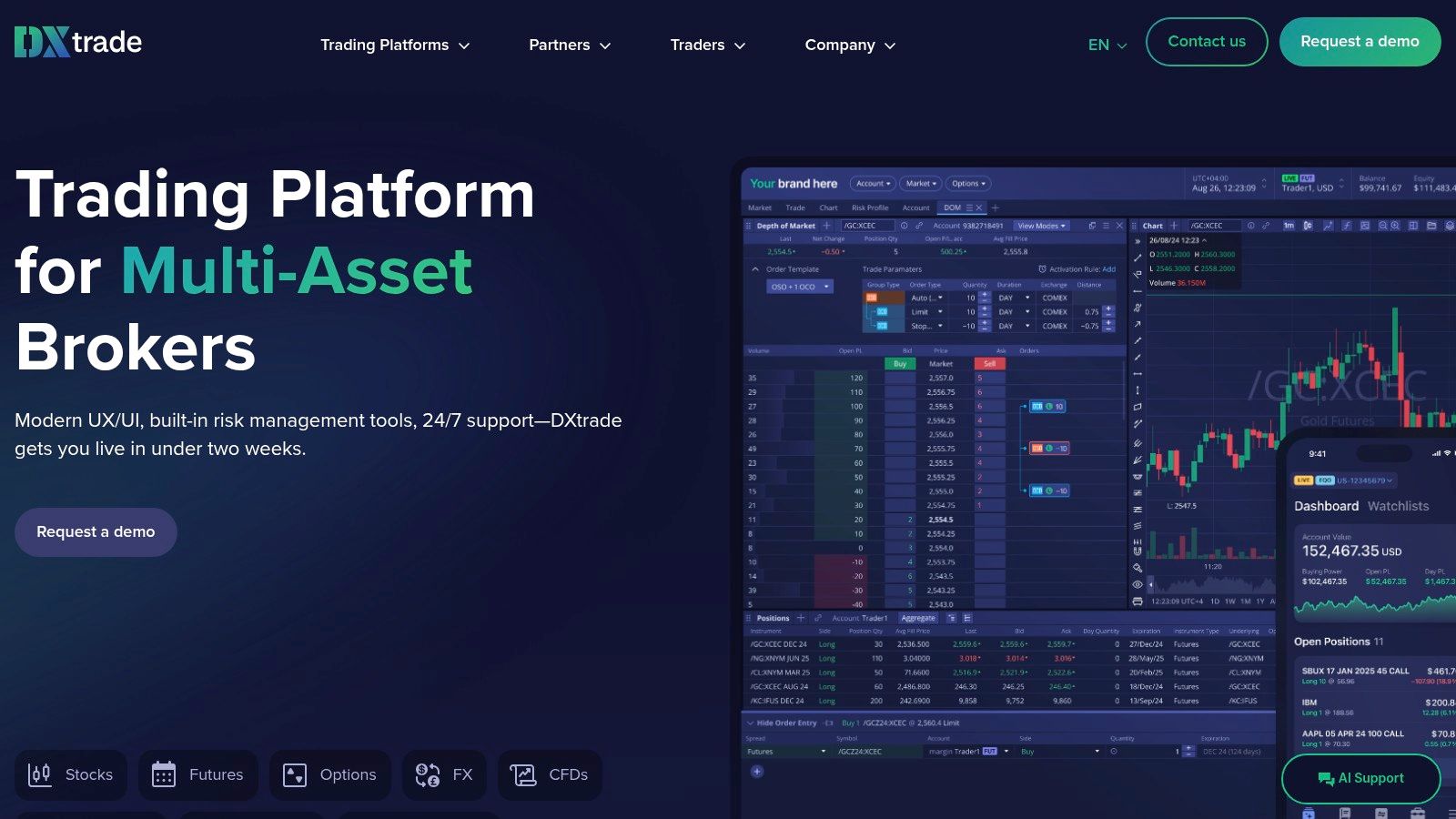
DXtrade usually enters the workflow through a broker or prop firm, not through a tool comparison you ran yourself. In workflow terms it belongs to broker-connected execution: a multi-asset platform for FX, CFD, and crypto variants that firms deploy for clients, with FIX connectivity to brokers and liquidity providers plus integrations around matching and market data.
The API story is firm-first. DXtrade describes a FIX trading API for broker-level order flow and admin REST endpoints for the firm running the venue. That is useful if you are building routing, risk checks, or account tooling for many users. It is much less useful if your funded login only exposes the front end, so treat API access as an account question before it becomes an architecture decision.
Ask three operational questions early: does this account get FIX or REST access, which order types and hedging rules are enabled, and how does the firm handle automated order flow during rejects, news, and disconnects. Public documentation is thinner than on retail-first platforms, so the broker's support desk may be the primary manual.
The interface will feel familiar to traders coming from MT4 or MT5 style OTC terminals, which helps manual and semi-automated monitoring. For automation, validate the boring path in demo: submit, amend, cancel, reject, partial fill, position report. If those events are clean, DXtrade can sit behind an execution layer. If they are ambiguous, no strategy logic will save the deployment.
4. QuantConnect (LEAN)
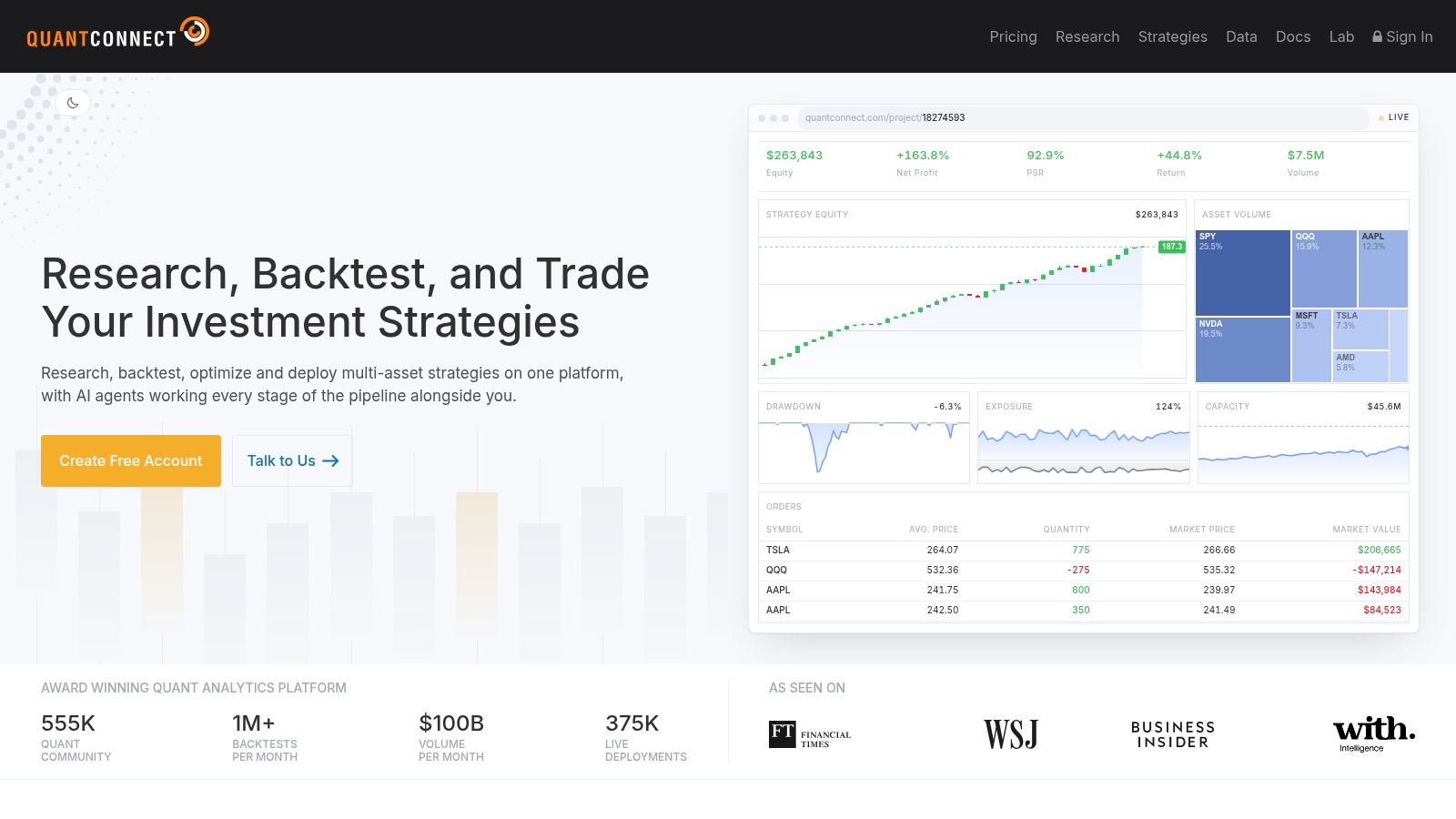
QuantConnect is built around the open-source LEAN engine, and it's the strongest option here if your priority is research discipline rather than terminal convenience. You work in C# or Python, use research notebooks for data exploration, then run backtests, walk-forward analysis, and optimization in the same framework. Live trading connects through supported brokerages, with cloud and on-premises deployment options.
That research-to-live continuity addresses a real validation gap. FINRA identifies five control areas for algorithmic trading, including software testing and system validation, and states that testing an algorithm before production is an essential control, in FINRA guidance on algorithmic trading controls. A platform that keeps your backtest code and live code identical makes that control easier to enforce, because you're not rewriting logic between environments.
QuantConnect's data library spans equities, futures, options, crypto, CFDs, and FX, which suits multi-asset research. If you're specifically weighing currency workflows, our guide to algo trading in forex explains how these research steps apply to pair-based systems. Community libraries and the open-source engine also mean you can inspect how fills and fees are modeled instead of trusting a black box.
The costs are real. There's a learning curve with the framework's event-driven structure, and expenses can grow with live compute resources and data subscriptions. If you're running one simple EA on one FX pair, QuantConnect is probably heavier than you need. If you're testing portfolio strategies across asset classes and want walk-forward discipline built in, it's worth the effort.
5. TradingView (Pine Script and Alerts)
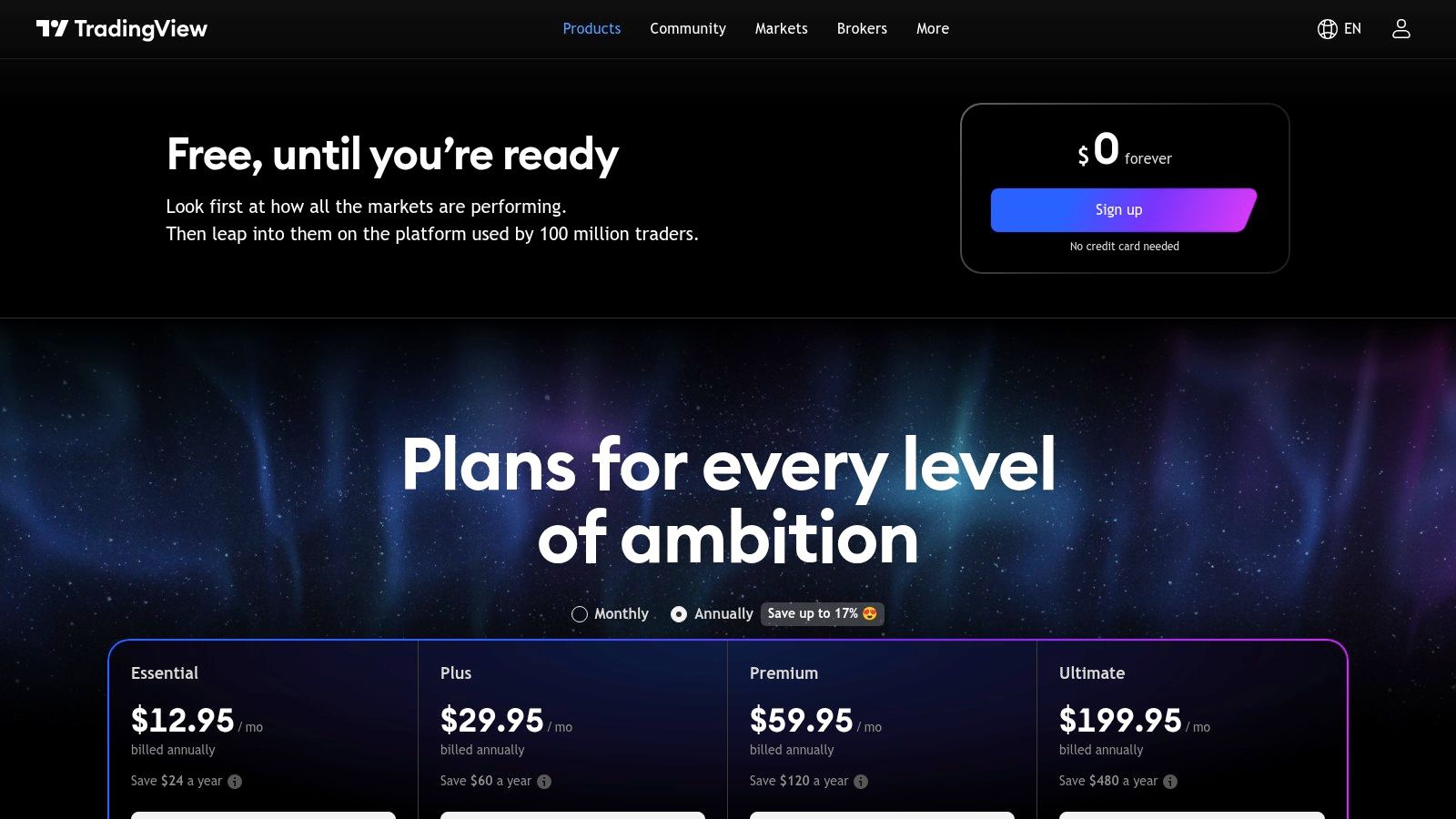
Most traders meet TradingView as a charting platform, and that's still its core strength. Pine Script lets you prototype indicators and strategies quickly, backtest them on chart data, and iterate in hours rather than days. The huge public script library is useful for learning, even if you should never copy a strategy's logic without understanding its assumptions.
Automation works through alerts. Paid plans support webhook notifications, which you can route to an external execution bridge or a compatible broker, and different plans carry different alert limits. That pipeline works, but every extra hop adds a failure point. Your chart fires, the webhook sends, your bridge parses it, and the broker receives the order, and each step can delay or drop a signal.
Be clear about the limitation. TradingView doesn't provide a native generic trading API, so it isn't a general-purpose execution engine. You're building a signal-and-alert layer and borrowing execution from somewhere else. Latency-sensitive systems suffer here, and bar-close alert logic can behave differently from intrabar execution in ways that backtests don't always reveal.
When used as intended, TradingView is excellent for fast idea iteration, discretionary confirmation tools, and alert-driven workflows where seconds don't matter. Used as a pretend execution platform, it creates fragile stacks. Prototype in Pine, then decide whether the strategy deserves a rebuild in a broker-connected environment with proper order state management, position reconciliation, and error handling.
6. NinjaTrader 8
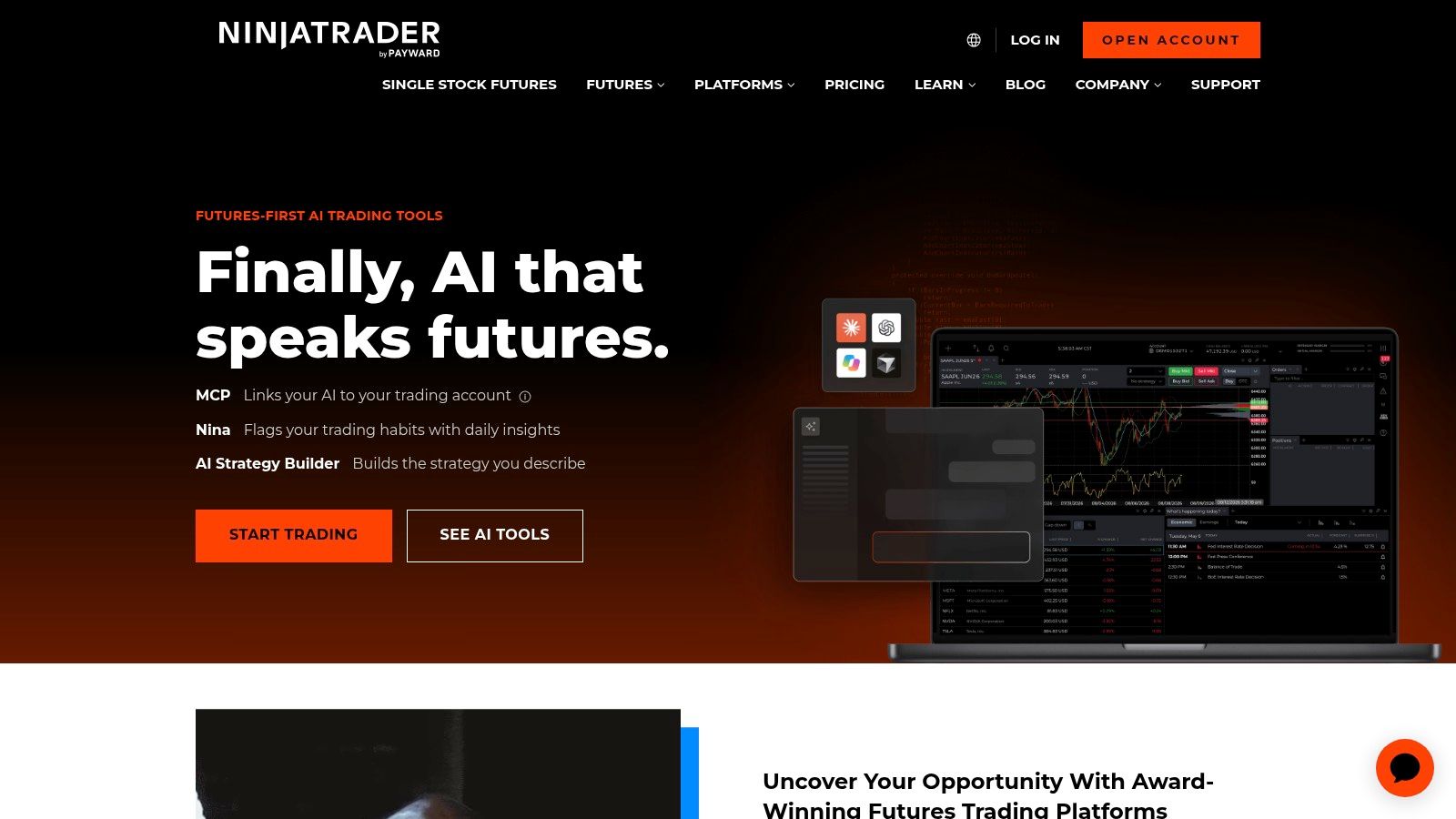
NinjaTrader 8 is a desktop platform with a loyal base among US futures traders, and it also supports forex workflows. Beginners can assemble rules in the Visual Strategy Builder without writing full scripts, while the NinjaScript IDE in C# gives experienced developers full control over custom algorithms. Strategies can be enabled or disabled directly on charts, which makes day-to-day management straightforward.
Win rate gets the attention, but execution quality is where simulated strategies fall apart. In the 2026 algorithmic trading survey of hedge funds, VWAP transaction-cost analysis was cited by 62% of hedge-fund respondents, followed by Implementation Shortfall at 50%, Liquidity Capture at 38%, and Mean Reversion at 25%. NinjaTrader's trade performance window exports every simulated fill with a timestamp, so you can compute your own VWAP slippage against decision prices, the same measurement hedge funds rely on, without leaving the platform.
The catch is operational.
The setup is desktop-centric, so unattended strategies usually mean renting a VPS and building your own monitoring on top. Platform, account, market data, and exchange fees can all apply, and they add up before your first trade. On the other side, the retail algo ecosystem around NinjaTrader is mature, and the depth of documentation and education material shortens troubleshooting time when something breaks at 3 AM.
Choose NinjaTrader if futures are your primary market and you want a proven C# environment. Budget for data and infrastructure separately, and don't skip simulation just because enabling a strategy on a chart takes two clicks.
7. MultiCharts
MultiCharts targets traders who think in portfolios rather than single charts. Its Portfolio Trader handles multi-symbol backtesting and automated trading, so you can test how a basket of strategies interacts through shared capital, correlated drawdowns, and combined margin usage. That's a meaningful step beyond testing each symbol in isolation and hoping the aggregate behaves.
You also get walk-forward analysis, optimization, and tick-level backtesting, which matters when your entries depend on intrabar price movement. Scripting uses PowerLanguage, an EasyLanguage-style language, or the .NET edition with C# and VB if you prefer a full programming environment. Traders migrating from TradeStation often find PowerLanguage familiar enough to move existing code with modest changes.
Connectivity is the other selling point. MultiCharts connects to multiple brokers and data feeds, giving you execution-routing flexibility instead of tying your strategy to one broker's terminal. That flexibility reflects how institutional desks already work. A 2025 global hedge-fund survey found nearly 70% of firms use more than one algorithmic trading provider, as reported in Datos Insights' 2025 global algorithmic trading survey. For a retail or funded trader, the lesson is to validate feed compatibility and slippage behavior per broker rather than assuming portability.
Practical rule: Portfolio-level testing only helps if your data feeds are synchronized and realistic. Mismatched feeds across symbols produce confident results that live trading won't reproduce.
Costs need planning. Perpetual licenses can require significant upfront spending, and data feed fees are separate. For serious multi-symbol research with broker choice, that trade-off can be justified. For a single simple strategy, it's likely more platform than you need.
8. TradeStation (EasyLanguage / TradeStation Analytics)
TradeStation is one of the longest-running names in retail systematic trading, built around EasyLanguage for creating custom indicators and automated strategies. The language reads close to plain English, which lowers the barrier for traders who think in rules but don't come from a software background. Decades of community code mean most common strategy patterns already have examples you can study.
You have two access routes. You can subscribe to TradeStation Analytics for research, historical market data, and tools like RadarScreen and OptionStation without opening a brokerage account, or you can trade through TradeStation Securities and run an integrated research-to-automation workflow. That choice matters because pricing and market-data fees vary by account status, and the range of options can get complex quickly.
The integrated route has a genuine operational benefit. When your backtesting environment and your broker are the same system, symbol specifications, session definitions, and order handling stay consistent. You avoid the quiet mismatches that appear when you research on one data source and execute on another. For US equities, futures, and options traders, that consistency is worth weighing against platform costs.
Where TradeStation fits less well is global FX and CFD prop trading, since its center of gravity is US markets. If your funded account runs on cTrader or DXtrade, EasyLanguage strategies won't transfer directly. Treat TradeStation as a mature, self-contained ecosystem. It rewards traders who commit to it and frustrates traders who expect easy portability out of it.
9. AmiBroker
Scan a watchlist, rank the candidates, then backtest the ranking rules across years of daily bars. On AmiBroker that loop runs fast enough to keep refining it. The AFL scripting language evaluates entire arrays in single passes, which is why portfolio-level backtests across equities, ETFs, futures, and FX feel quick compared with engines that process data bar by bar. Multi-symbol research is its slot in the workflow. If you're weighing dedicated research platforms, our guide to backtest software choices shows where AmiBroker sits among the alternatives.
Speed creates its own problem. When thousands of optimization passes take minutes, curve-fitting historical noise takes minutes too. FINRA's examination guidance for high-frequency trading asks firms to test algorithms under non-normal market conditions, including extreme volatility and to document controls against erroneous and duplicative orders, per FINRA's high-frequency trading sweep letter. That discipline scales down to a one-person operation. Stress your strategy against widened spreads, gapped sessions, and ugly periods rather than only the cleanest stretch of your database.
Everything past the research layer is assembly work. Data integrations exist for multiple feeds, but the subscriptions and the quality checks are yours. Live order routing runs through plugins or an external bridge, because AmiBroker is not a broker. Licensing at least stays simple: Standard, Professional, and the Ultimate Pack Pro bundle all use perpetual licenses, so ownership costs are predictable.
Choose it when research speed is the bottleneck and you are willing to wire the rest yourself. If one integrated terminal is the requirement, look elsewhere.
10. MetaApi
MetaApi solves a specific infrastructure problem. It's a hosted REST and WebSocket API for MT4 and MT5 accounts, so your Python or JavaScript application can read streaming quotes, check account state, pull history, and submit trades without you running MetaTrader terminals on your own machines. For developers building dashboards, copy-trading systems, or multi-account orchestration, that removes weeks of terminal management.
The scale argument is real. Subscriptions are designed to grow from one account to multiple accounts, and SDKs speed up application development compared with maintaining a farm of VPS instances. If you're evaluating where this layer fits, our breakdown of algorithmic trading software maps how APIs like this connect research code to live accounts.
Multi-account automation also multiplies the cost of a bug. FINRA warns that algorithmic failures can involve inaccurate orders, excessive messaging traffic, and inadequate risk-management controls, in FINRA Regulatory Notice 15-06 on algorithmic trading. When one faulty signal replicates across copied accounts, a small logic error becomes a portfolio-wide event. You need order validation, duplicate-order rejection, frequency caps, and a kill switch in your own application layer, because the API will faithfully execute whatever your code sends.
Two checks come before any subscription. First, you're adding a third-party dependency, so your uptime now includes MetaApi's uptime and pricing decisions. Second, confirm compatibility with your broker or prop firm's rules, since some firms restrict third-party API access or copy trading. MetaApi is a strong fit when cloud orchestration is required. For a single account running one EA, a basic VPS and the native terminal are usually simpler and cheaper.
Top 10 Algo Trading Tools: Feature Comparison
| Platform | Core automation & research | Markets / workflow | MFC fit | Best for | Cost / value |
|---|---|---|---|---|---|
| MetaTrader 5 | MQL5 EAs; multi-symbol testing ★★★★☆ | FX, stocks, futures; broker-dependent execution | MT5 is coming soon at MFC; confirm availability before relying on it | 👥 EA developers and multi-asset traders | 💰 Costs depend on broker and services |
| cTrader Automate | C# and Python cBots; backtesting and cloud bots ★★★★☆ | FX/CFDs; cTrader ecosystem | cTrader is supported by MFC; ✨ cloud bot hosting | 👥 cTrader algo traders | 💰 Access and costs depend on broker |
| DXtrade | Broker-level FIX/API connectivity ★★★☆☆ | FX/CFDs and crypto; firm-configured access | DXtrade is supported by MFC; API access may be restricted | 👥 Traders using firm-provided DXtrade | 💰 Pricing is typically broker/firm dependent |
| QuantConnect (LEAN) | Cloud research, optimization, open-source engine ★★★★★ | Multi-asset; live trading via supported brokers | Confirm brokerage and execution compatibility with MFC | 👥 Quant researchers and developers | 💰 Plans, data, and compute can add costs |
| TradingView | Pine Script, strategy tests, alerts ★★★★☆ | Charting across markets; execution needs a bridge | Alerts may require a compatible external execution route | 👥 Chart-focused traders and strategy designers | 💰 Paid plans offer expanded alert limits |
| NinjaTrader 8 | NinjaScript and visual strategy tools ★★★★☆ | Strong futures focus; desktop-centric | Verify compatible execution route and MFC rules | 👥 Futures traders and hands-on developers | 💰 Platform, data, and exchange fees may apply |
| MultiCharts | Portfolio testing, optimization, multi-broker routing ★★★★☆ | Multi-symbol strategies; broker/data dependent | Confirm MFC connectivity and permitted automation | 👥 Portfolio-system developers | 💰 License and data fees may apply |
| TradeStation | EasyLanguage scripting and integrated research ★★★★☆ | Strong US-market workflow; brokerage-linked | MFC compatibility is not established; verify execution support | 👥 US traders and EasyLanguage users | 💰 Pricing and data costs vary |
| AmiBroker | Fast AFL backtesting and optimization ★★★★☆ | Equities, ETFs, futures, FX; external execution setup | Requires a compatible data/execution bridge and MFC approval | 👥 Strategy researchers and system builders | 💰 Perpetual license; data/services extra |
| MetaApi | Hosted MT4/MT5 API, streaming, and account tools ★★★★☆ | Cloud apps, copying, multi-account workflows | Confirm MFC account/platform compatibility and rules | 👥 Developers building trading integrations | 💰 Subscription-based; third-party service |
| MFC context | Manual, algorithmic, and copy trading supported | 350+ instruments on DXtrade and cTrader | Demo environments with real market quotes; verify platform-specific access and rules | 👥 Traders pursuing funded trading | 💰 Profit splits start at 80/20; plan and add-on pricing varies |
Build a Small Stack Before You Scale
Start with one primary workflow rather than combining every available feature. Choose a scripting language you can maintain six months from now, validate it with historically realistic data, and test execution against the exact broker or venue you will use. A practical shortlist might pair MetaTrader 5 or cTrader Automate for execution, QuantConnect or AmiBroker for research, and MetaApi only when multi-account cloud orchestration is required. Adding tools before the core strategy is stable usually adds failure points faster than it adds edge.
Scale helps explain why this discipline matters. Global FX turnover reached approximately $7.5 trillion per business day in 2022, with electronic FX accounting for nearly 60% of total transactions, and algorithmic trading represented roughly 70% to 80% of spot FX activity on EBS in 2019, according to the Bank of Japan review of algorithmic trading in FX markets. You're deploying software into deep, fast, electronic liquidity. Execution assumptions that look harmless in a spreadsheet, like fill price, spread during news, or weekend gaps, decide whether a backtest survives contact with that market.
Validation deserves special skepticism when AI tools generate or adjust strategies for you. A report citing Bloomberg experiments found AI systems given capital to trade US technology stocks lost roughly one-third of their portfolios over two weeks, while trading excessively and producing inconsistent decisions from identical instructions, as summarized in this report on AI trading experiments. Lowering the coding barrier doesn't lower financial risk. Use out-of-sample testing, walk-forward analysis, realistic transaction costs, slippage assumptions, and stress periods, and define human override rules before any AI-assisted system touches a funded account.
Hard limits belong outside your strategy code as well as inside it. CFTC rules for automated trading require risk-based limits tied to position size, order size, and margin requirements, with automated screening of orders, in CFTC automated trading risk control rules. Translate that into your own stack with a maximum position size per instrument, a maximum total exposure, a maximum daily loss, and a borrowing ceiling enforced at the platform or account level. For funded traders, those limits also protect you from breaching daily loss and drawdown rules through one malfunctioning session.
Before you scale, paper-test the complete path from signal to fill to position report. Document latency, rejection handling, disconnect behavior, and your shutdown procedure, then begin with small risk exposure. Algorithmic trading still involves risk of loss, and none of these tools changes that. If you're evaluating a prop-trading route, compare platform support, account rules, drawdown limits, and algo permissions at MyFundedCapital before selecting a funding path, and make sure your chosen tool is permitted on the account you plan to trade.
MyFundedCapital offers Instant Funding and 1-Step or 2-Step Challenges with simulated accounts that support manual, algorithmic, and copy trading on cTrader and DXtrade, subject to clear risk rules. Compare the account types, check that your algo setup fits the platform and drawdown limits, and start your evaluation at MyFundedCapital when you're ready to test your system under funded conditions.