

 AR
AR
 NL
NL
 EN
EN
 FR
FR
 DE
DE
 ES
ES
 IT
IT
 PL
PL
 SV
SV


You’re about to check a chart, mark a level, or confirm a setup, and the only thing between you and the market is the TradingView login screen. That sounds trivial until you miss a move because your sign-in method is slow, your 2FA code fails, or your browser gets stuck in a loop.
A proper tradingview sign in setup is part of trading operations, not admin work. Get it right and you remove friction from analysis. Get it wrong and you add avoidable risk. Trading involves risk of loss, and this article is for educational purposes only, not financial advice.
Your Gateway to Market Analysis
The session is about to open, your levels are marked, and one login decides whether your charts load the way you expect. For a prop firm trader, that is not a minor convenience issue. It is an operational control.
TradingView has grown into a standard part of many traders' workflow, and for funded traders, that matters because the account holds more than chart access. It holds saved layouts, alerts, custom indicators, watchlists, and the setup you rely on to make fast decisions under pressure. A clean sign-in process cuts friction. A sloppy one creates delays, sync issues, and unnecessary exposure if the wrong device or login method is tied to the account.
Before the first trade, discipline is evident here. If your login is slow, shared across personal accounts, or loosely secured, you are adding avoidable risk to your morning routine. In a prop environment, small delays can mean entering late, missing confirmation, or managing a position from the wrong layout.
The standard is simple. Use a sign-in setup you can repeat under pressure, recover quickly if something breaks, and secure without locking yourself out during market hours. The same logic applies across any general sign-in page. Access control affects performance when timing and reliability matter.
A strong chart routine starts before the first candle prints. If you want to tighten the analysis side of that workflow, this guide on technical analysis trading tips and charting trends is a useful companion.
Key takeaway: Treat your TradingView account like trading infrastructure. It supports your layouts, alerts, scripts, and execution workflow.
Choosing Your TradingView Sign In Method
The login screen gives you several options. TradingView supports email/password, Google, Facebook, and Apple logins. For casual use, any of them can work. For a trader, the better question is which one creates the least operational risk.
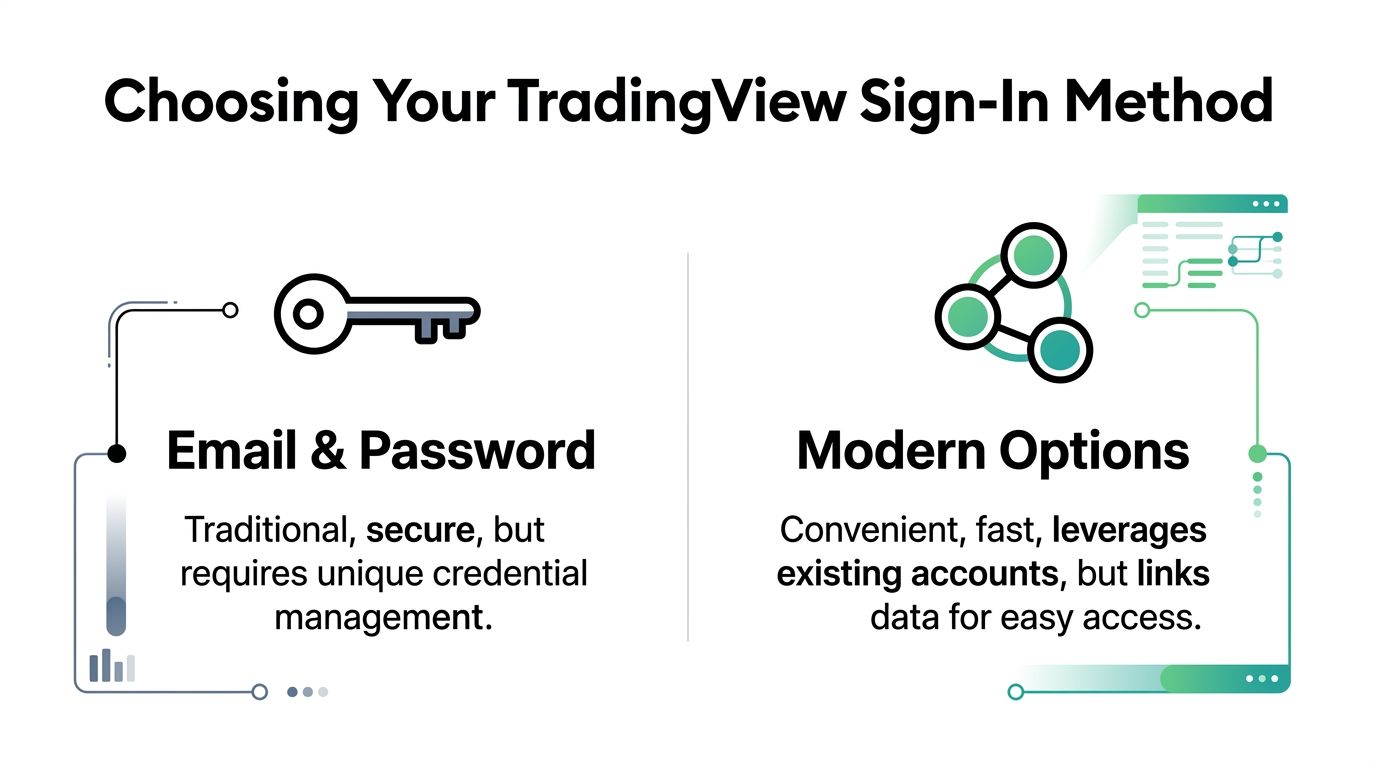
Email and password
This is the most controllable method.
You create a dedicated login, you control the password, and you can isolate the account from your social profiles. That matters if you want clear separation between trading tools and personal accounts.
According to a TradingView login guide, direct email/password authentication typically processes in 2 to 3 seconds, while OAuth options add extra time because of third-party verification (TradingCanyon).
Best fit for:
- Desk-based traders who want a stable, repeatable process
- Traders who use a password manager
- Anyone serious about account compartmentalization
Watch for:
- Weak passwords
- Reusing passwords across platforms
- Getting locked out because you forgot credentials you rarely type manually
Google Apple and Facebook sign in
OAuth logins remove some friction. You click one button, approve access, and you’re in. In practice, that can be smoother when you sign in across multiple devices.
The trade-off is dependency. If your main email account has a problem, your linked TradingView access can become part of the same problem. The same TradingCanyon guide notes that OAuth can reduce failed logins by an estimated 60 to 70%, but it also adds 4 to 6 seconds of latency compared with direct login.
For swing traders, those extra seconds usually do not matter. For short-term traders during a fast market window, they can.
A practical decision table
| Method | What works well | What does not |
|---|---|---|
| Email/password | More control, cleaner security separation, faster direct login | More manual credential management |
| Fast setup, fewer typing mistakes | Depends on your Google account security | |
| Apple | Clean ecosystem for Apple users | Less convenient if you work across mixed devices |
| Familiar for some users | The least attractive choice for a dedicated trading stack |
One useful way to think about it is this. Your TradingView account should not depend on an account you use casually. That is why many experienced traders prefer a dedicated email plus password manager over social login convenience.
If you want to compare how different platforms structure access and account entry in finance software more broadly, Polytreasury’s general sign-in page is a simple example of how modern login flows are presented.
Practical rule: If TradingView is part of your daily trading routine, choose the sign-in method you can secure and recover reliably under pressure.
How to Sign In on Desktop and Mobile
The mechanics are simple. The mistake most traders make is rushing, then clicking the wrong method, signing into the wrong account, or assuming the mobile flow works exactly like desktop.
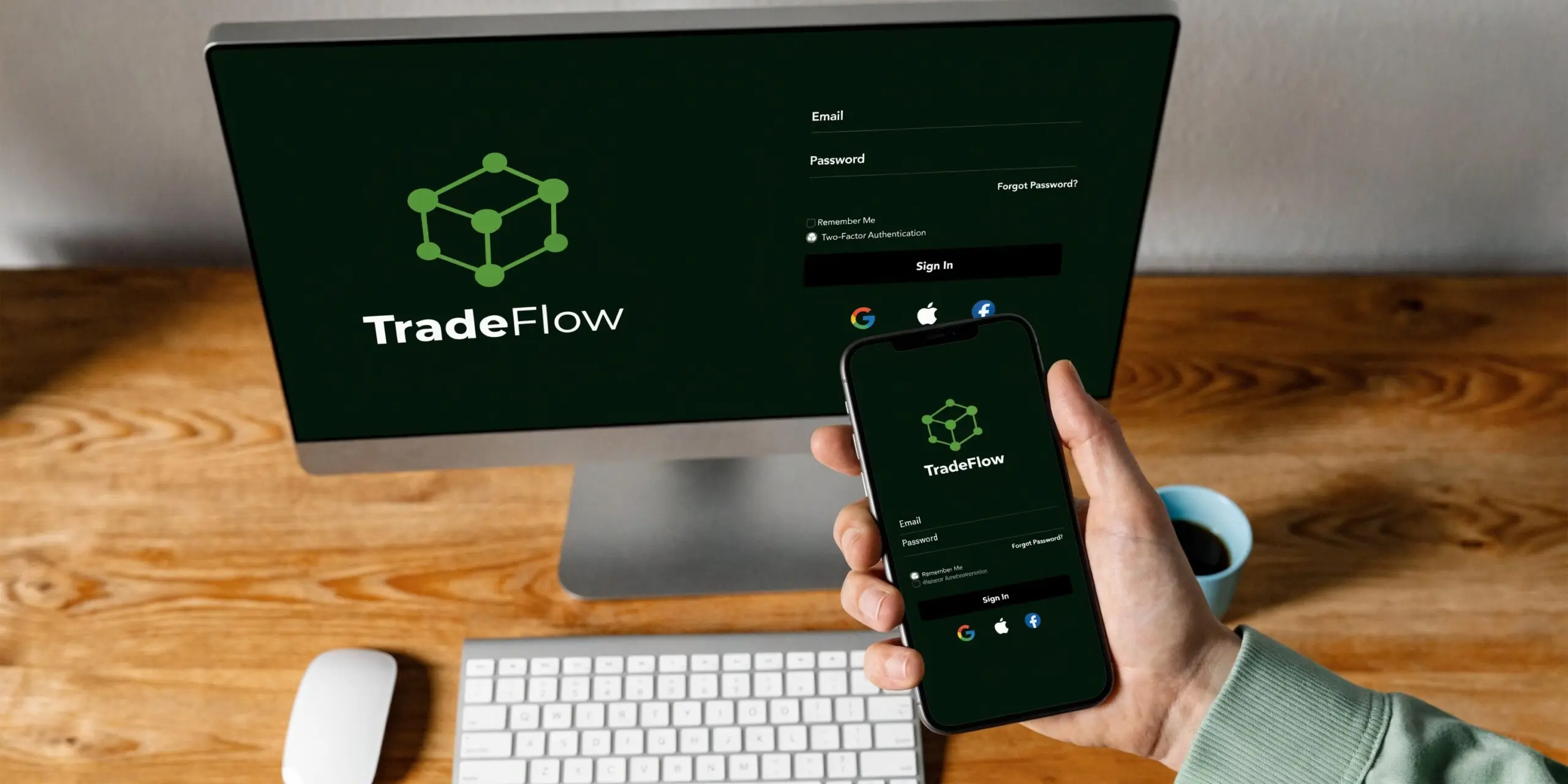
Sign in on desktop
On desktop, go to TradingView’s homepage and locate the sign-in button. Once the login modal opens, choose the method you set up originally. That matters because trying a different route can create confusion if you once registered with Google but later try a password reset on the email itself.
Use this checklist:
- Open the official site and confirm you are on the correct domain.
- Click Sign In in the top area of the page.
- Choose your original login method. Email/password, Google, Facebook, or Apple.
- Complete 2FA if you have enabled it.
- Confirm your profile loads correctly. Check your saved chart layout, watchlist, and alerts.
If you use TradingView mainly for testing ideas before live decisions, practicing this on a TradingView demo account helps you build the habit without pressure.
Sign in on mobile
Mobile is convenient, but it introduces more variables. App updates, device permissions, biometric prompts, and cached sessions can all interfere with a fast login.
The cleanest mobile process is:
- Open the app directly rather than from an old push notification.
- Tap the profile or sign-in option.
- Select the same sign-in method you use on desktop.
- Approve device prompts such as Face ID, Touch ID, or app-based verification if enabled.
- Wait for sync, then verify your watchlist and alerts before placing any reliance on the app.
What to check after you log in
Do not stop at “I’m in.”
Check three things right away:
- Correct account: Make sure you did not enter an old or secondary profile.
- Saved layout: Your preferred chart setup should load as expected.
- Alert status: Confirm your critical alerts still exist and are active.
Tip: If a device is not part of your normal trading setup, avoid saving the session permanently. Convenience is useful. Session sprawl is not.
Activating Two-Factor Authentication to Protect Your Account
The login itself is only the first layer. If someone gets past that, they can access your watchlists, scripts, layouts, and broker-linked environment. That creates operational risk even if your execution account is separate.
For a trader, 2FA is not optional. It closes off the easiest path for account abuse after a leaked or reused password.
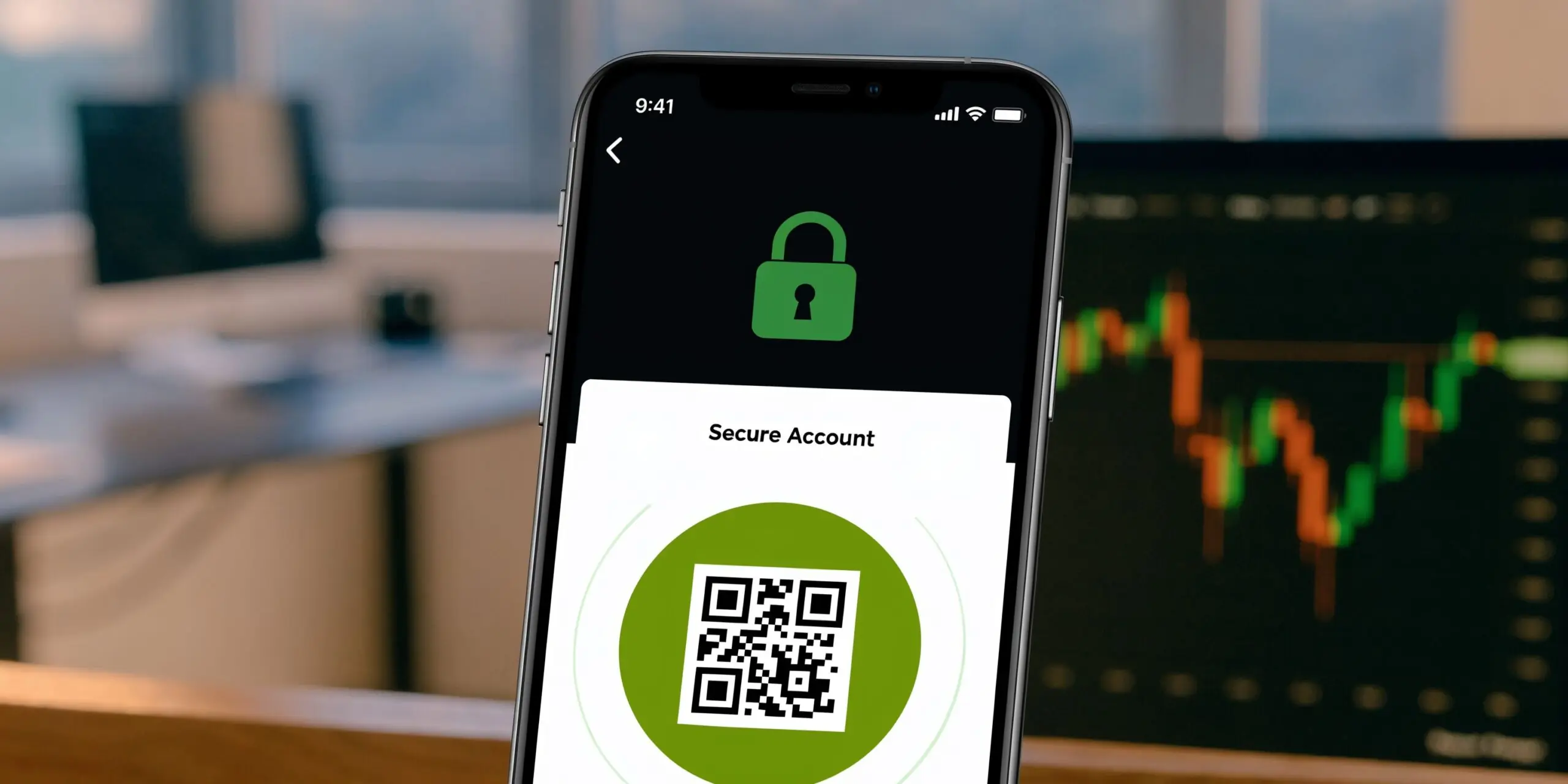
How to turn on 2FA
The exact menu layout can change over time, but the process is straightforward:
- Log into TradingView from your main desktop browser.
- Open account settings or profile security settings.
- Find the two-factor authentication option.
- Choose an authenticator app if available.
- Scan the QR code with an app such as Google Authenticator or Authy.
- Enter the generated code to confirm setup.
- Store backup codes safely outside your phone.
Authenticator apps offer the best balance of security and speed. SMS-based verification is more exposed to SIM-related issues and message delays.
What traders often get wrong
Most login failures after enabling 2FA come from bad operational habits, not bad tools.
Common mistakes include:
- Saving backup codes in the same phone used for authentication
- Skipping a test logout and re-login
- Relying only on biometrics without knowing the fallback path
- Using temporary or low-trust phone access for a security-critical account
Good account hygiene demonstrates its value here. A trader who stores backup access properly can recover in minutes. A trader who treated 2FA as a setup task instead of an operating procedure may miss the best part of the session.
If you are researching phone verification workflows in general, this guide to temporary phone numbers shows why short-term access methods exist, but for a primary trading account, a stable and recoverable setup is the safer choice.
Best practice: Write down your recovery path before you need it. A locked account during market hours is not the time to discover you never saved your backup codes.
Troubleshooting Common Sign In Problems
The worst login problem is the one that hits five minutes before your prop firm session starts. You are not just losing platform access. You are losing chart continuity, alert visibility, and part of the routine that keeps impulsive trades out of your day.
Treat sign-in failures like any other trading problem. Identify the exact symptom, use the fastest safe workaround, and save the cleanup for after the market slows down.
Login loop in browser
Symptom: You sign in, the page reloads, and the login screen appears again.
What usually causes it: Stale cookies, conflicting browser extensions, or multiple active TradingView sessions fighting each other.
Fix:
- Close every extra TradingView tab
- Open a private or incognito window
- Try signing in there first
- If that works, clear TradingView cookies and cache in your main browser
- Disable extensions one at a time, especially password managers, privacy tools, and script blockers
For a prop trader, a login loop can break pre-market prep fast. If your saved layouts or watchlists do not load on time, you start making decisions from memory instead of from your actual workspace. Keep one browser profile dedicated to trading if you want fewer session conflicts and fewer surprises on open.
2FA code rejected
Symptom: Your password works, but the authentication code fails.
What usually causes it: Phone time drift, the wrong authenticator entry, or a rushed copy of an expired code.
Fix:
- Confirm your phone time is set to update automatically.
- Check that you are reading the code for the correct TradingView account.
- Wait for a fresh code, then enter it carefully.
- If it still fails, use a backup code to get in and reset the authenticator setup once you have access.
In this situation, good account hygiene pays off. A trader who stores backup access properly can recover in minutes. A trader who treated 2FA as a setup task instead of an operating procedure may miss the best part of the session.
Mobile app sign in fails
Mobile login issues do happen after app or OS changes. Some traders have reported more failures on mobile after updates, which is a good reason to keep a desktop browser as your fallback.
If the app stalls, loops, or refuses a valid sign-in:
- Switch to desktop first
- Try a clean browser session
- Confirm the app is updated only after you have regained access elsewhere
- Avoid repeated resets on mobile during active market hours
The practical rule is simple. Do analysis and account recovery on the device that gives you the highest reliability, not the most convenience. Many funded traders use mobile for monitoring and desktop for anything that affects access, execution prep, or session planning. If you are still refining that setup, this guide to the best FX trading platform for funded traders can help you compare reliability across trading workflows.
Social login disconnected
Symptom: Google, Apple, or Facebook sign-in stops completing.
Fix path:
- Make sure you are signed into the correct provider account
- Check whether strict browser privacy settings are blocking the handoff
- Re-authorize the TradingView connection from the provider side
- Add a password-based login method if your account allows it, so one identity provider issue does not lock your charts
Social sign-in is fast, but it adds another point of failure. That trade-off matters more on a prop account than on a casual app. If one login method is tied to a work device, a personal phone, or an account you rarely check, recovery gets slower exactly when speed matters most.
Use the quickest secure path back in. Then document what failed, fix the root cause, and tighten the setup before the next session.
Linking TradingView to Your Prop Firm Platform
A funded trader can be fully prepared on analysis and still miss execution because the connection stack was never checked. The TradingView login gets you into your charts, alerts, layouts, and trading panel. It does not confirm that your prop firm or broker connection is active, authorized, and ready to route orders.
For prop traders, that distinction matters before the open, not after a setup appears. A clean sign-in process reduces hesitation. It also helps you catch broken permissions, expired broker sessions, or account mismatches before they turn into execution errors.
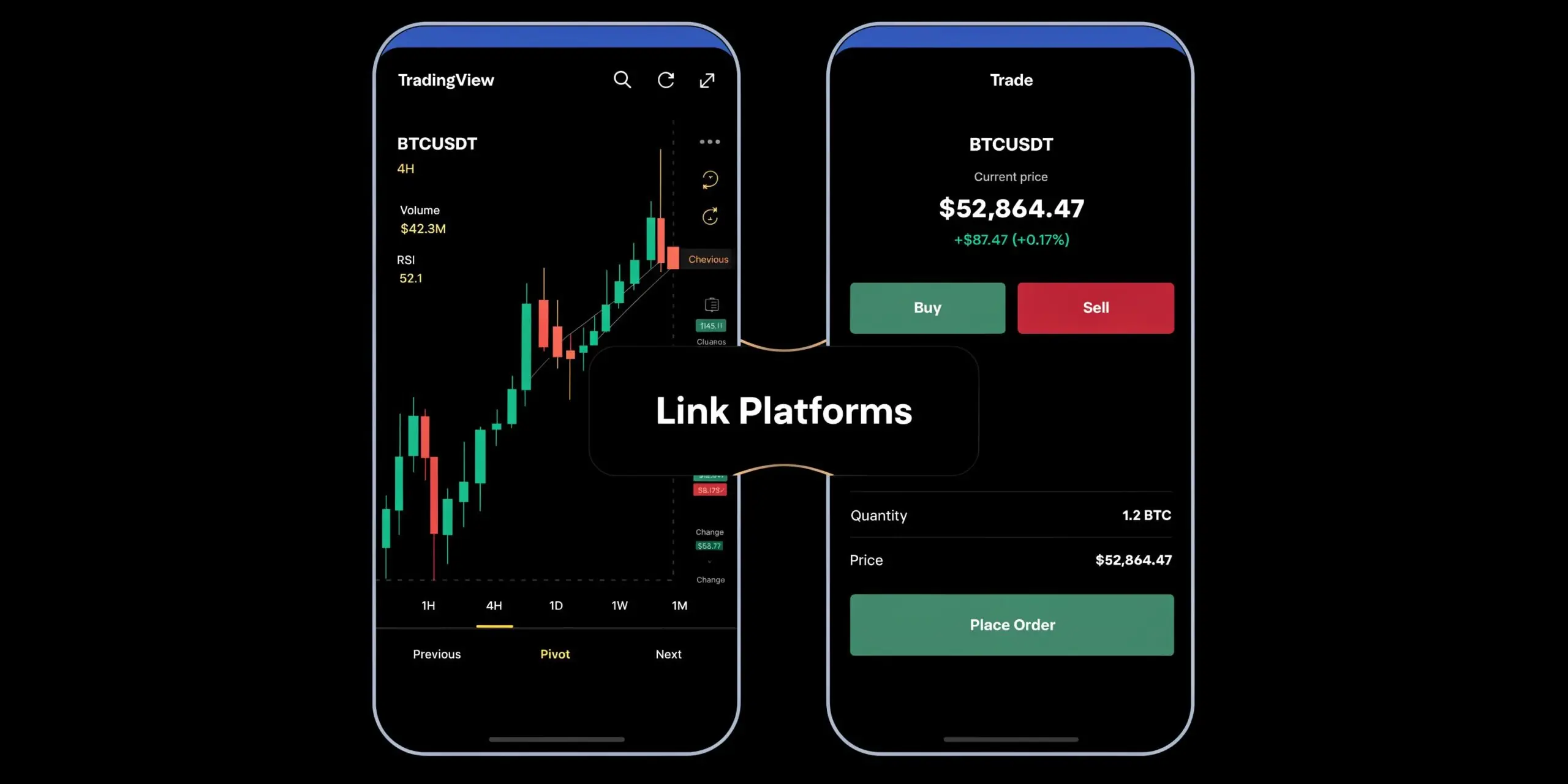
How the connection works in practice
Open the Trading Panel inside TradingView and check whether your broker or prop-supported connection is available. If it is, sign in to that account separately and confirm the session is authorized.
Keep the roles clear:
- TradingView credentials control charts, saved layouts, alerts, and platform preferences
- Broker or prop platform credentials control order entry, account permissions, and live execution access
- A successful TradingView sign-in does not verify the execution side
That separation is good security practice. If one login is compromised, it does not automatically hand over the other environment. The trade-off is extra operational discipline. You need to verify both sides before the session starts, especially if your prop firm uses its own portal, broker bridge, or risk dashboard.
I treat this as part of pre-market prep. Load the chart. Open the trading panel. Confirm the right account is connected. Check whether order buttons are enabled and whether the account shown matches the one you intend to trade. That two-minute check is cheaper than finding out during a fast market that your chart is ready but your execution path is not.
If you are comparing broker-connected charting workflows with other funded trading setups, this guide to the best FX trading platform for funded traders helps clarify where TradingView fits in the full execution process.
Keep it simple: Sign in to TradingView for analysis, then separately confirm your prop or broker connection for execution.
Frequently Asked Questions About Your TradingView Account
Is the free account enough for tradingview sign in and chart work
For many traders, yes. If your needs are basic chart review, a small set of watchlists, and manual analysis, the free login can be enough. If your workflow depends on more layouts, more screens, or heavier customization, you may outgrow it.
Should I use the same sign-in method on every device
Yes, if possible. Mixing methods causes confusion. A trader who signs up with Google on desktop and then tries password recovery on mobile often wastes time solving the wrong problem.
Can I stay signed in all the time
On a private desktop at your trading station, keeping a session active can make sense. On shared, public, or travel devices, it is a bad habit. The safer approach is to log out and avoid storing sessions on devices you do not fully control.
What is the best recovery setup if I lose my phone
Use a layered approach. Save backup codes in a secure location separate from your phone. Keep your email account secure. If possible, maintain at least one trusted desktop environment where you can log in and repair settings without adding more device-related problems.
Why does sign-in matter so much if execution happens elsewhere
Because access affects preparation. If you cannot load your layouts, confirm alerts, or review levels quickly, your decision quality drops before you ever place an order. Login friction is not just an IT issue. It is part of trading discipline.
If you want to apply a disciplined charting workflow inside a prop environment, explore the funding programs at MyFundedCapital. Compare account types, review the rules carefully, and choose a path that fits your style, whether that means a challenge model or immediate access. Trading involves risk of loss, so start with a structure you can manage responsibly.
