

 AR
AR
 NL
NL
 EN
EN
 FR
FR
 DE
DE
 ES
ES
 IT
IT
 PL
PL
 SV
SV

Thinking about trading futures can be intimidating, especially with the fast pace and leverage involved. Before risking real capital, the smartest move is to practice in a risk-free environment. This guide will show you how to use Tradovate's paper trading feature to build your skills, test strategies, and prepare for live market conditions.
Why Start With Tradovate Paper Trading?
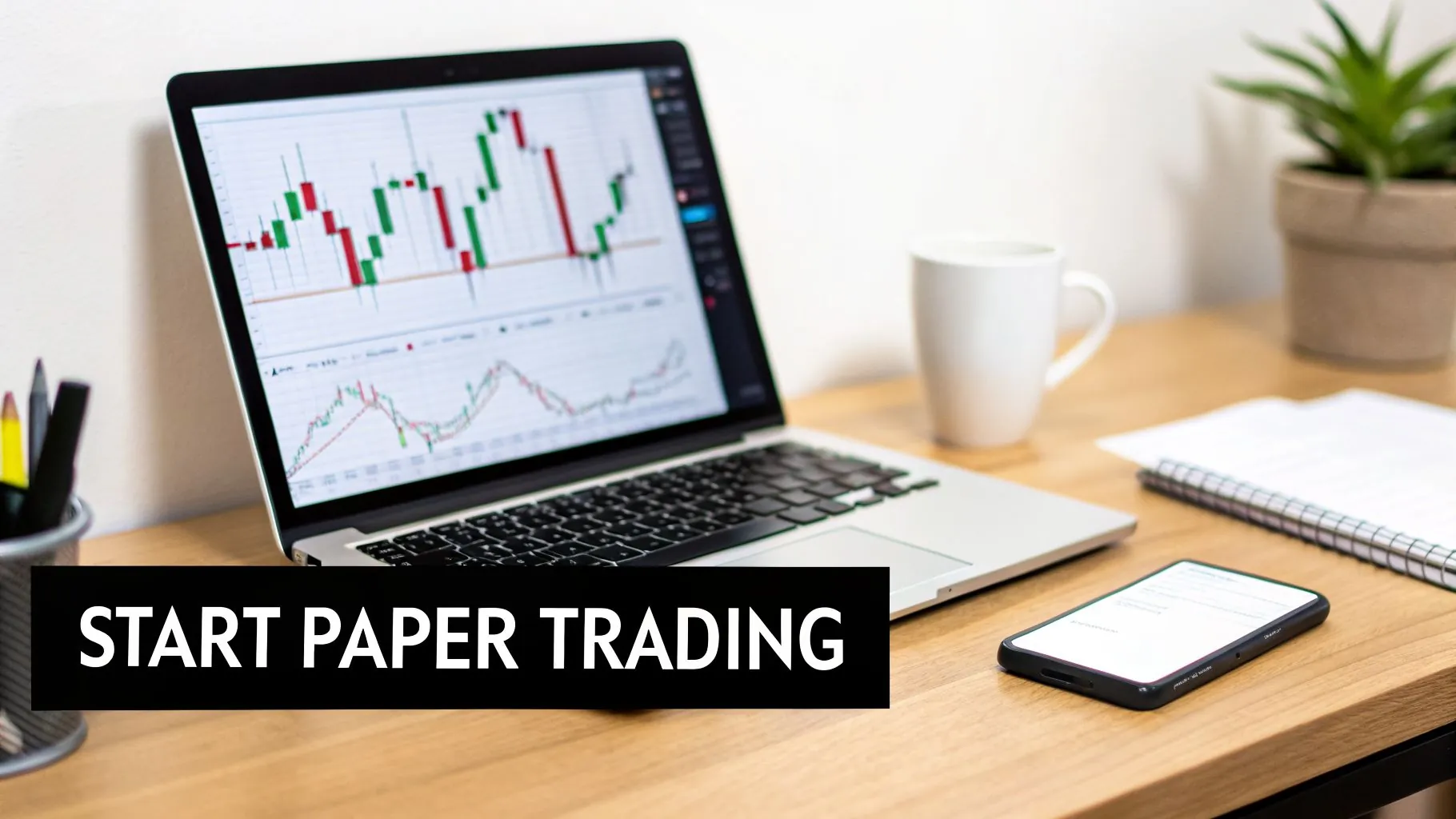
Before risking a single dollar, you need a safe place to build muscle memory, test strategies, and get a feel for the market's rhythm. A simulation environment—what we call a "paper trading" account—is your personal trading gym. It's where you learn the mechanics of placing orders, managing positions, and reading charts without the stress of real money. Remember, all trading involves substantial risk of loss and is not suitable for every investor.
Tradovate's paper trading feature is popular for a reason, especially for traders aiming for prop firm funding. The free 14-day demo comes with $50,000 in simulated cash and mirrors live market conditions with real-time data. This isn't a delayed simulation; it's a genuine practice ground for honing your skills.
Tradovate Paper Trading Account At a Glance
| Feature | Specification | Benefit for Traders |
|---|---|---|
| Account Balance | $50,000 | A realistic starting balance for practicing risk management. |
| Trial Period | 14 Days | A focused timeframe to learn the platform and test a strategy. |
| Market Data | Real-Time | Essential for practicing on live, undelayed price action. |
| Platform Access | Web, Desktop, Mobile | Trade from anywhere, just like with a live account. |
| Cost | Free | No financial commitment to learn and practice. |
This setup provides a powerful, no-cost way to prepare for live trading without any surprises.
The Real Benefits of Practicing First
Jumping straight into a live account is one of the fastest ways to lose your capital. Taking the time to practice in a simulator first gives you a massive edge.
- Risk-Free Reps: This is your chance to get comfortable with the platform. You’ll learn how to place market orders, limit orders, and stops without the fear of a costly “fat finger” error.
- Strategy Bootcamp: Got a trading plan? The simulator is where you pressure-test it against live market conditions. See how it performs during a choppy session or a high-volatility news release.
- Psychological Grounding: While nothing can perfectly replicate the feeling of having real money on the line, simulation introduces you to the discipline required. You practice sticking to your rules and managing emotions.
- Master Your Tools: In a fast-moving market, fumbling with charts or order-entry windows can be disastrous. Use this time to configure your workspace so every action is second nature.
The goal of paper trading isn't to make millions in simulated dollars. It's about building a repeatable process, developing discipline, and proving your strategy has a potential edge. Treat that simulated $50,000 as if it were real.
From Practice to Professional
The skills you sharpen in your Tradovate paper trading account are directly transferable to a live environment, and they're especially critical if you're preparing for a funded account challenge. Prop firms like MyFundedCapital need to see that you can generate consistent results while adhering to strict risk rules. Simulation is the perfect place to practice trading within those exact parameters.
Mastering the platform and forging a disciplined approach in the simulator builds the confidence needed to perform when it counts. This practice is a crucial step in your journey and a key part of learning how to get a funded trading account.
Building a Professional Trading Workspace
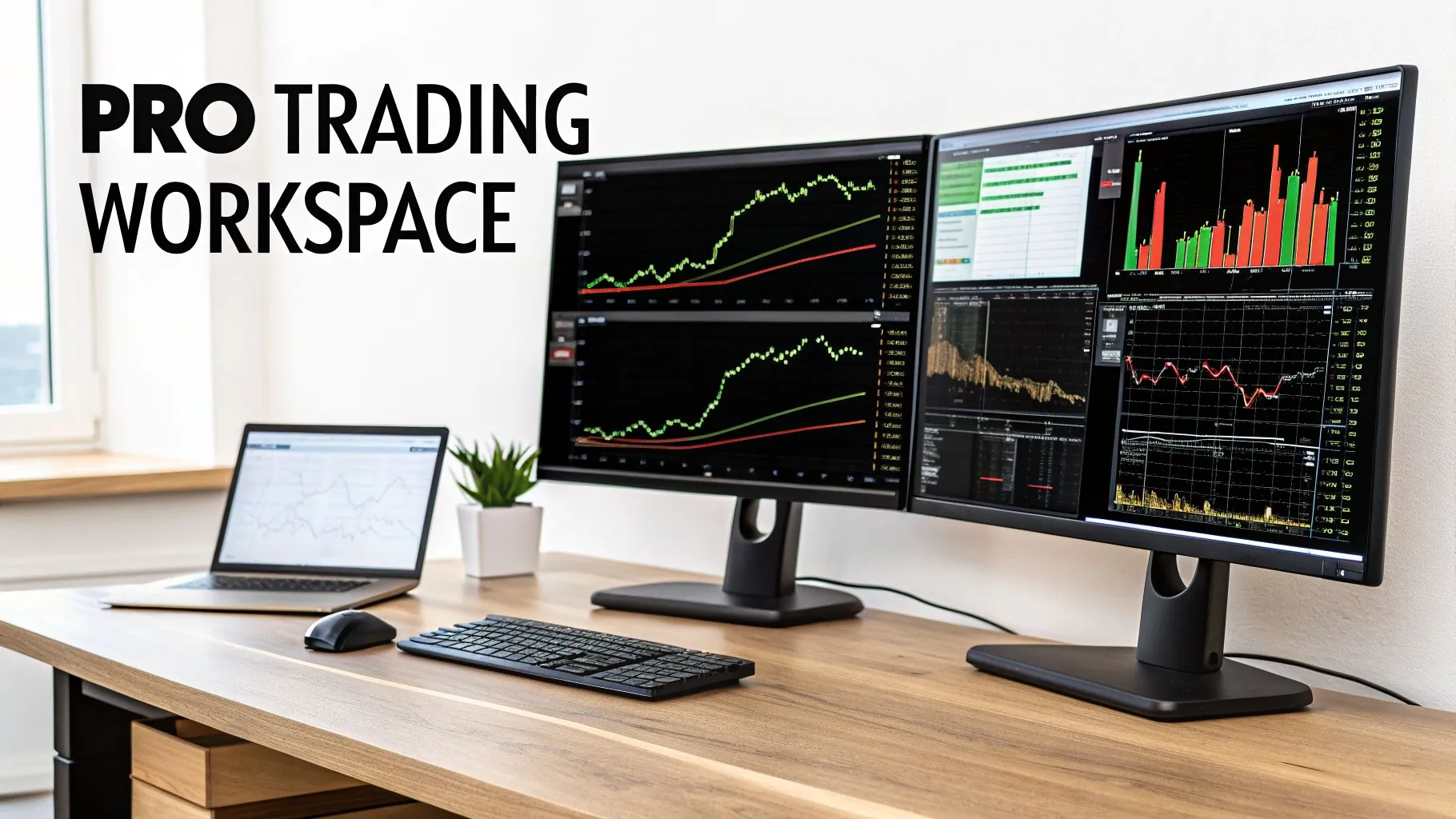
To get real value out of your Tradovate paper trading, you need to build a workspace that mimics how professional traders operate. This isn't just about aesthetics; it’s about creating an efficient command center for analyzing, executing, and managing trades with precision. Think of your simulated workspace as the blueprint for your live trading desk. The entire point is to eliminate friction so every click is intentional and fast.
Chart Configuration for Top-Down Analysis
Professional analysis involves looking at the market from multiple angles. A common setup uses linked charts showing different timeframes, giving you a top-down view that helps distinguish between minor market noise and a real trend change.
Here's a practical setup for trading E-mini futures like the ES or NQ:
- Primary Chart (15-Minute): This shows the broader intraday trend and where major support and resistance levels are forming.
- Execution Chart (5-Minute): Use this timeframe to pinpoint your exact entry and exit points, as it gives a granular view without being overwhelming.
- Scalping Chart (1-Minute or Tick Chart): For fine-tuning an entry or managing a trade tick-by-tick, a lower timeframe chart is useful.
Linking them in Tradovate is a game-changer. Just add multiple chart modules to your workspace and click the small link icon at the top of each one, selecting the same color. Now, when you type a symbol into one chart, they all update instantly.
Essential Indicators and Drawing Tools
It’s tempting to pile on indicators, but a few core tools are often all you need. Focus on ones that give objective information about price, volume, and momentum. The purpose of an indicator isn't to give you buy or sell signals. It's to confirm what your price action analysis is already telling you.
Get these on your charts:
- VWAP (Volume-Weighted Average Price): This shows the average price for the day, weighted by volume. It often acts as a powerful level of support or resistance.
- Exponential Moving Averages (EMAs): A simple combination like the 9 and 21 EMA is effective for identifying the short-term trend direction and finding dynamic support or resistance.
Mastering the DOM for Precision Execution
For many futures traders, the Depth of Market (DOM) is a primary tool. The DOM is the order book—it gives you a direct, unfiltered view of supply and demand by showing all the limit orders waiting at different price levels.
A powerful feature here is one-click order execution. In your Tradovate paper trading account, you can configure the DOM to place your entry, a protective stop-loss, and a take-profit target all at once with a single click using bracket orders, also called One-Cancels-Other (OCO) orders.
For instance, you can set up a bracket that automatically places a stop-loss 8 ticks below your entry and a take-profit target 12 ticks above it. The second your entry order gets filled, both the stop and target orders are live. This kind of automated risk management is non-negotiable for prop firm trading and builds incredible discipline. If you want to optimize your physical space, looking into office cubicle design ideas to boost productivity can help you create a distraction-free zone.
Executing and Managing Trades Like a Professional
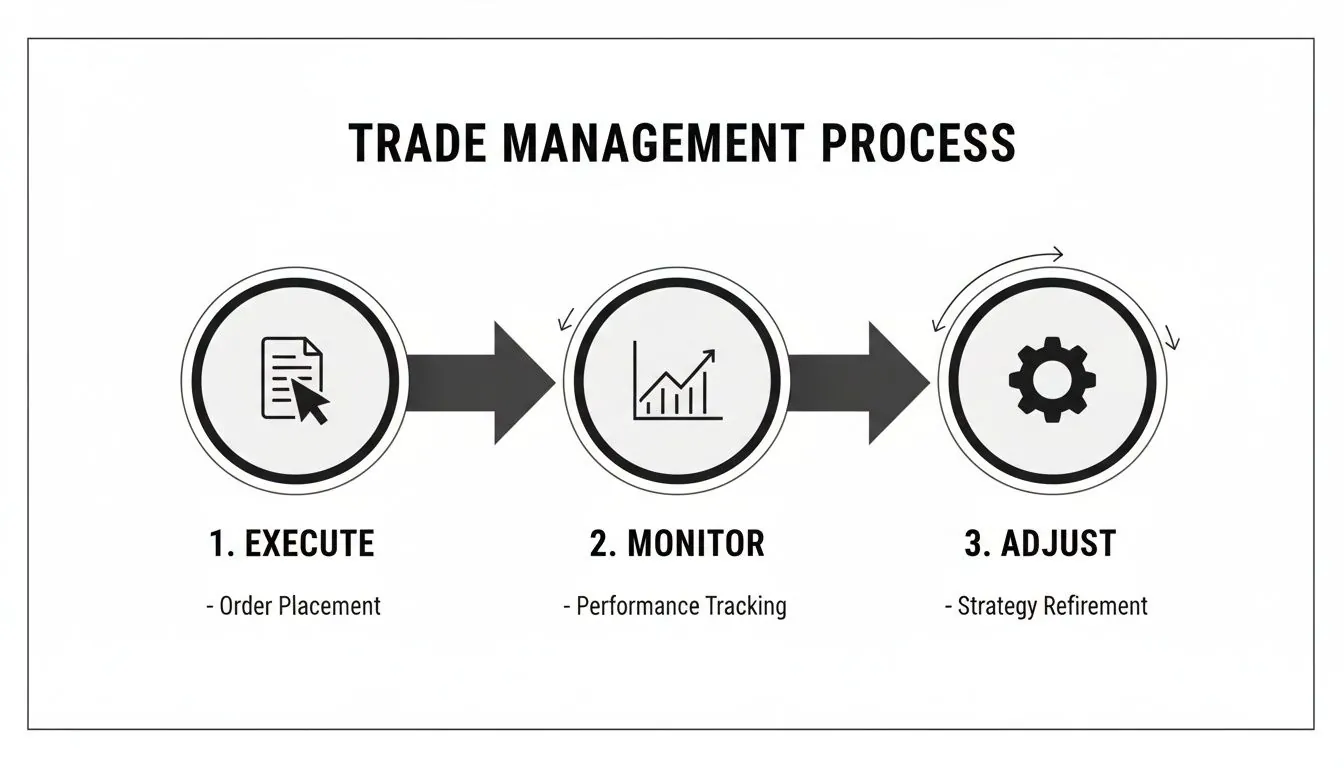
Entering a trade is easy. The real skill is what you do next. How do you manage the position when the market moves against you? Your Tradovate paper trading account is where you build the muscle memory to act decisively under pressure. This section covers using different order types and managing risk like a funded trader.
Choosing the Right Order for the Job
Your order type dictates how you enter the market, and picking the wrong one can immediately put you at a disadvantage.
- Market Orders: Use this when speed is your priority and you're willing to accept the best available price. Be aware of potential slippage (getting a worse price than expected) in fast markets.
- Limit Orders: This is your tool for precision. A limit order lets you define your entry price, guaranteeing you’ll get that price or better. The trade-off? The market might never reach your price.
- Stop Orders: These orders trigger a market order once the price hits a certain point. They're most commonly used for your stop-loss but can also be used to enter a trade on a breakout.
Example: You see the E-mini S&P 500 (ES) in a strong uptrend. You could use a market order to chase it but risk a poor entry price. A more calculated approach would be placing a limit order at a support level, like the 21 EMA, to enter on a pullback.
Real-Time Position and P&L Tracking
Once you're in a trade, your job shifts to management. Tradovate gives you a clear, live view of your open trades, including your entry price, contract size, and your unrealized Profit and Loss (P&L). Watching that P&L number flicker in real-time is a huge part of your psychological training. It prepares you for the emotional pressure of trading with real money.
Execution speed is critical. Using a Depth of Market (DOM) ladder, you can execute orders in milliseconds. For scalpers trading micro futures (like MES with commissions around $0.09-$0.39), fast execution can be the difference between a winning and losing strategy. Using P&L dashboards and position trackers that sync instantly can help improve performance.
Actively Managing Your Risk
A trader's first job isn't to make money; it's to protect what they have. Your stop-loss is your most important risk management tool. Here are two essential tactics to practice in the simulator:
- Moving to Breakeven: Once a trade moves in your favor (e.g., halfway to your target), you can move your stop-loss order to your entry price. At that point, the trade becomes "risk-free," meaning the worst outcome is a scratch trade (no loss, excluding commissions).
- Trailing Your Stop: In a strong trend, you can trail your stop-loss behind the price to lock in profits. For example, in an uptrend, you might move your stop just below each new higher low that forms.
Practicing these adjustments builds the discipline to protect your capital. It forces you to think about risk first and profits second—a mindset that is mandatory for passing a prop firm challenge. For more on this, read our guide on setting effective stop-loss and take-profit levels.
How to Simulate Prop Firm Rules
Paper trading is most effective when you treat it like you're trading real money. This is especially true if your goal is to pass a prop firm evaluation. Your practice sessions in Tradovate paper trading should be a dress rehearsal for the main event. Firms like MyFundedCapital are looking for disciplined traders who can protect capital, not just make profits.
Nail Your Daily Loss Limit
The number one rule that disqualifies traders from an evaluation is the daily loss limit. If you hit it, you're out. You must enforce this on yourself in the simulator with zero exceptions.
Actionable Step: Before your session, do the math. On a $100,000 evaluation account with a 5% daily loss limit, your absolute stop-out is a $5,000 loss for the day. Set your own personal daily loss limit much tighter, perhaps 1-2%. If your P&L hits your personal limit, shut it down for the day. This builds the discipline to protect capital when real money is on the line.
Master the Maximum Trailing Drawdown
The second killer is the maximum trailing drawdown. This rule is often misunderstood and is a primary reason traders fail challenges. This limit can be as high as 10% of your account's highest balance, or "high-water mark."
Let's walk through an example on a $100,000 account with a $10,000 max drawdown:
- Day 1: You start with $100,000. Your drawdown floor is $90,000.
- After a Winning Trade: You make $2,000. Your new account balance and high-water mark is $102,000.
- The New Floor: Your drawdown threshold now "trails" up. Your new floor becomes $92,000 (your new high-water mark of $102,000 minus the $10,000 max drawdown).
Tradovate doesn’t calculate this for you automatically. You must track this yourself in a spreadsheet. This manual process forces you to be hyper-aware of your risk.
Prop Firm Rule Simulation Checklist
Use this checklist during your Tradovate paper trading sessions to mimic the exact conditions of a real prop firm evaluation.
| Rule Category | Action to Take in Tradovate | Why It Is Critical |
|---|---|---|
| Risk Parameters | Manually track your daily loss and max trailing drawdown in a spreadsheet. Stop trading immediately if you hit your personal daily loss limit. | This builds the discipline to honor the most important prop firm rules, which aren't automatically enforced in the simulator. |
| Strategy Execution | Stick to one strategy and a consistent position size. Don’t jump between markets or randomly add contracts. | Prop firms need to see a repeatable edge, not a one-time win. Consistency is proof of a real strategy. |
| Trade Review | Use Tradovate’s reports at the end of each day to analyze your performance. Log every trade in a journal with your entry/exit rationale. | This is how you actively learn from your losses and reinforce what works, separating professional trading from gambling. |
| Trading Hours | Define a specific trading window (e.g., 9:30 AM to 11:30 AM ET) and stick to it. Don’t trade outside your plan. | This prevents emotional decisions and burnout. The best opportunities are usually found during peak liquidity hours. |
Following this checklist helps make rule adherence automatic, so when you start a real challenge, it feels like just another day at the office.
Analyzing Your Performance to Find an Edge

Your daily P&L tells you if you made money, but it doesn't tell you how or why. Learning to analyze your trading data is how you find a repeatable edge. Your Tradovate paper trading sessions generate a goldmine of data. By analyzing it, you can spot your strengths, fix weaknesses, and make objective, data-driven improvements to your trading plan.
Digging Into Tradovate's Performance Reports
Tradovate provides a solid set of analytical tools built into the platform. In the "Reports" section, you can find a log of every executed order, a summary of your positions, and your daily profit and loss. Use this as the raw material for your analysis.
Key Metrics You Must Track
Look past the final P&L number. A big winning day is meaningless if it came from a random trade you can't repeat. Instead, focus on these objective metrics to measure the health of your strategy.
- Win Rate: The percentage of your trades that close in profit. A high win rate is not necessary if your winners are much larger than your losers.
- Profit Factor: Your Gross Profit divided by your Gross Loss. A value over 1.0 means you're profitable. Consistently achieving a profit factor of 1.5 or higher is a strong sign of an edge.
- Average Win vs. Average Loss (Risk/Reward Ratio): If your average winning trade is $100 and your average losing trade is $50, your R/R is 2:1. This is a healthy system.
- Max Consecutive Losses: This metric reveals the longest losing streak your strategy produced, which is critical for psychological preparation.
Establishing a Weekly Review Process
The real learning happens after the market closes. Your weekly review is a non-negotiable habit for serious traders. Block out an hour every weekend to dive into your trade history from your Tradovate reports and your personal trading journal.
Your Weekly Review Checklist:
- Run the Numbers: Calculate your key metrics for the week: win rate, profit factor, and average win/loss. Are you improving?
- Review the Best and Worst: Pull up the charts for your biggest winner and biggest loser. What did you do right on the winner? What mistake did you make on the loser?
- Find the Patterns: Did a certain setup or time of day produce most of your profits? The data will reveal what works.
- Set One Goal for Next Week: Create one specific, actionable goal. For example: "I will not enter a trade unless it offers at least a 1.5:1 risk/reward."
This structured review process turns your Tradovate paper trading into a powerful feedback loop. You'll stop repeating costly errors and start systematically building on what works. This is the analytical habit that prop firms like MyFundedCapital look for in their traders.
FAQ: Tradovate Paper Trading
Here are answers to some of the most common questions about using Tradovate's paper trading feature.
Is the paper trading data in real-time?
Yes, for most popular futures contracts, the Tradovate paper trading account uses a real-time data feed. This is essential for practicing strategies like scalping. However, remember that you are getting simulated execution, not live market fills. This means you will not experience real-world slippage, which can occur in fast-moving live markets.
Can I reset my paper trading balance?
Yes, you can easily request a reset of your Tradovate paper trading account back to the initial $50,000. This is useful for simulating the start of a new prop firm challenge, testing a new strategy from a clean slate, or simply getting a psychological "do-over" after a difficult trading period.
How long does the free demo last?
The standard free trial for the Tradovate paper trading platform provides 14 days of access. Think of this two-week period as an intensive boot camp to learn the software and test your strategy under a deadline. If you open and fund a live account with Tradovate, you typically get continuous access to the simulation environment.
Can I connect my Tradovate paper account to TradingView?
Yes, and this is a powerful feature. You can connect your Tradovate paper trading account directly to your TradingView charts. This integration lets you use TradingView's advanced charting tools while placing simulated trades directly on the chart, with orders sent straight to your Tradovate account. For traders who prefer TradingView's interface, this combination creates an ideal workstation.
Ready to put your skills to the test with real capital? MyFundedCapital offers funding programs designed for disciplined traders. Prove your edge with clear rules and high profit splits.
Compare our funded account types and start your challenge today.
